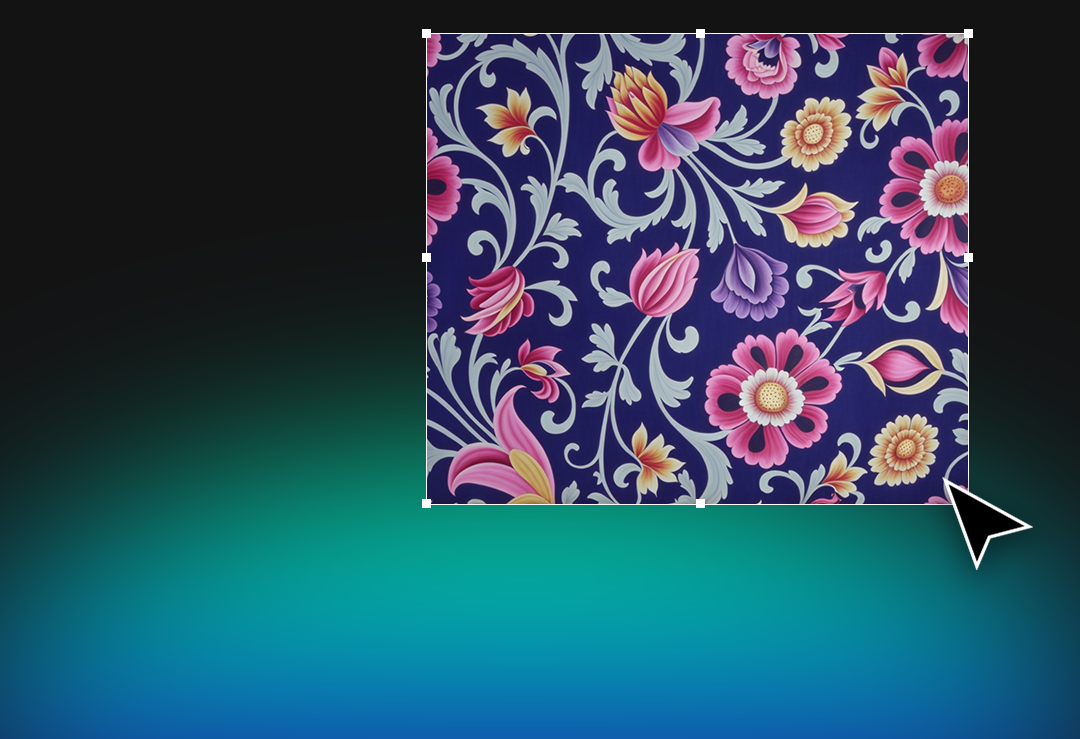
Create Textile Pattern Designs with AI
To create textile pattern designs with AI is no longer just an experimental idea for the future of fashion. It is becoming a practical workflow for textile designers, fabric manufacturers, home textile brands, and digital print studios that need faster, more original, and more production-ready design results.
Traditional textile pattern design often requires long hours of research, sketching, editing, repeating, recoloring, upscaling, and preparing files for production. With AIT AI Tools, designers can move from inspiration to pattern, from pattern to seamless repeat, and from repeat to visual presentation in a much faster and more controlled creative process.
Instead of replacing designers, AI textile design tools support the creative process. They help designers generate new ideas, explore multiple pattern directions, create colorways, prepare mockups, and reduce the repetitive technical work that slows down collection development.
What Is AI Textile Pattern Design?
AI textile pattern design is the process of using artificial intelligence to create, transform, edit, and prepare patterns for textile-focused applications such as fashion fabrics, home textiles, scarves, dresses, upholstery, bedding, and digital fabric printing.
Unlike a generic image generator, a specialized AI pattern generator for textiles needs to understand the real needs of the industry. A beautiful image alone is not enough. Textile designers also need repeatability, color control, high-resolution outputs, clean details, scalable formats, and realistic presentation options.
This is where AIT AI Tools creates a stronger workflow for textile professionals. It brings pattern generation, seamless repeat creation, colorway development, upscaling, vectorization, color separation, and mockup generation into one AI-powered textile design ecosystem.
Why Create Textile Pattern Designs with AI?
The textile industry moves fast. Trends change quickly, buyers expect more options, and brands need to review multiple pattern directions before making final collection decisions. In this environment, speed and originality are not separate advantages. They work together.
When designers create textile pattern designs with AI, they can explore more visual ideas in less time. A single creative direction can become multiple pattern alternatives, color palettes, seamless repeats, and product mockups without starting every step from zero.
- Faster ideation: Turn prompts, references, moodboards, and creative concepts into textile pattern directions.
- More design alternatives: Generate multiple pattern variations for fashion, fabric, and home textile collections.
- Better workflow efficiency: Reduce manual work in repeating, recoloring, upscaling, and visual presentation.
- Print-ready thinking: Move beyond image generation and prepare textile patterns for real production needs.
How AIT AI Tools Helps Designers Create Textile Pattern Designs with AI
AIT AI Tools is developed for textile design workflows, not for generic visual experimentation. Its ecosystem includes AI-powered tools that support the creative, technical, and presentation stages of pattern development.
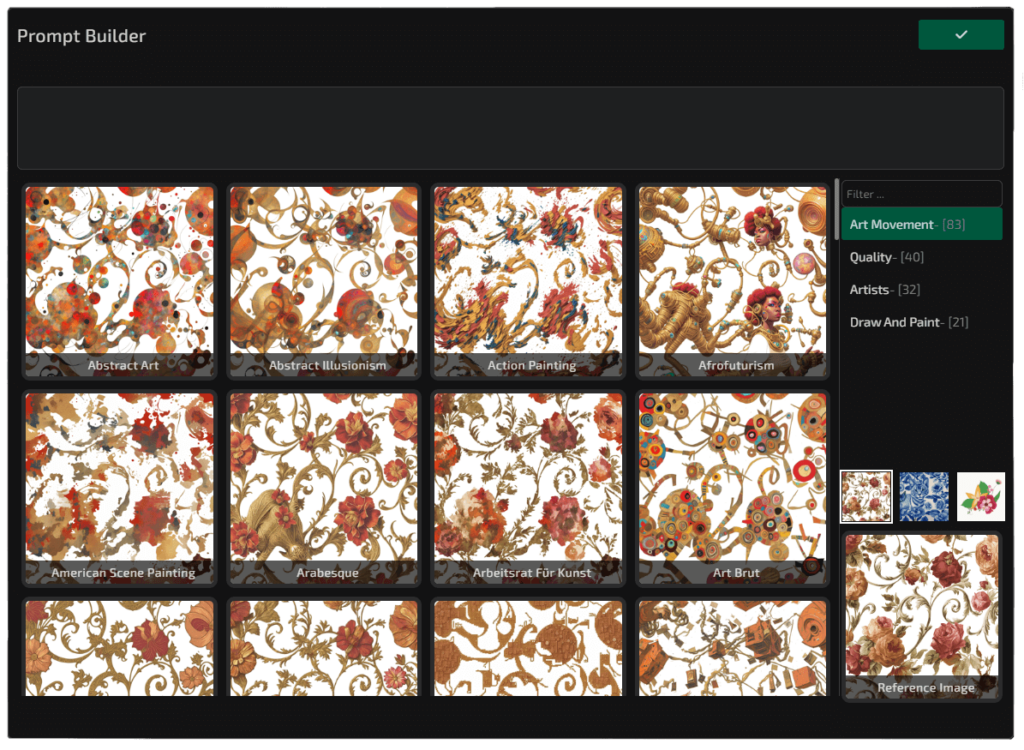
Designers can start with an idea, a prompt, a reference image, or a moodboard. From there, they can create new textile patterns, extract patterns from visual references, build seamless repeats, expand designs, create colorways, upscale details, remove backgrounds, vectorize artwork, separate colors, and apply patterns onto realistic 2D or 3D mockups.
This gives textile teams a more complete workflow: idea generation, pattern creation, technical preparation, and visual presentation inside one AI textile design environment.
From Prompt to Pattern: A Faster Way to Build Collections
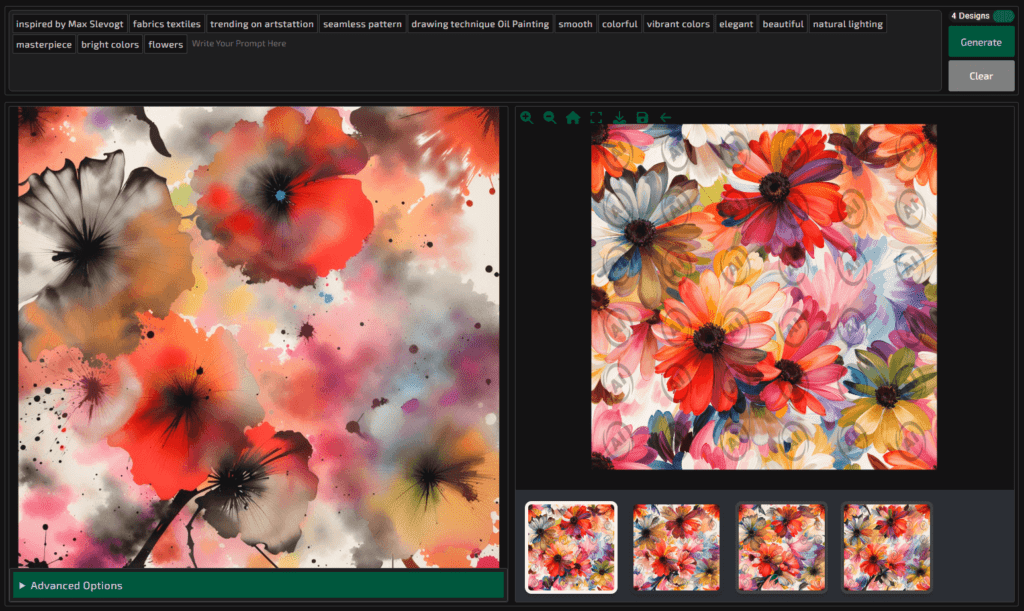
Every collection starts with direction. A designer may begin with a phrase such as “watercolor floral pattern for summer dresses,” “geometric bedding pattern in earthy tones,” or “luxury scarf design with botanical details.” With an AI textile design workflow, these creative directions can quickly become visual pattern concepts.
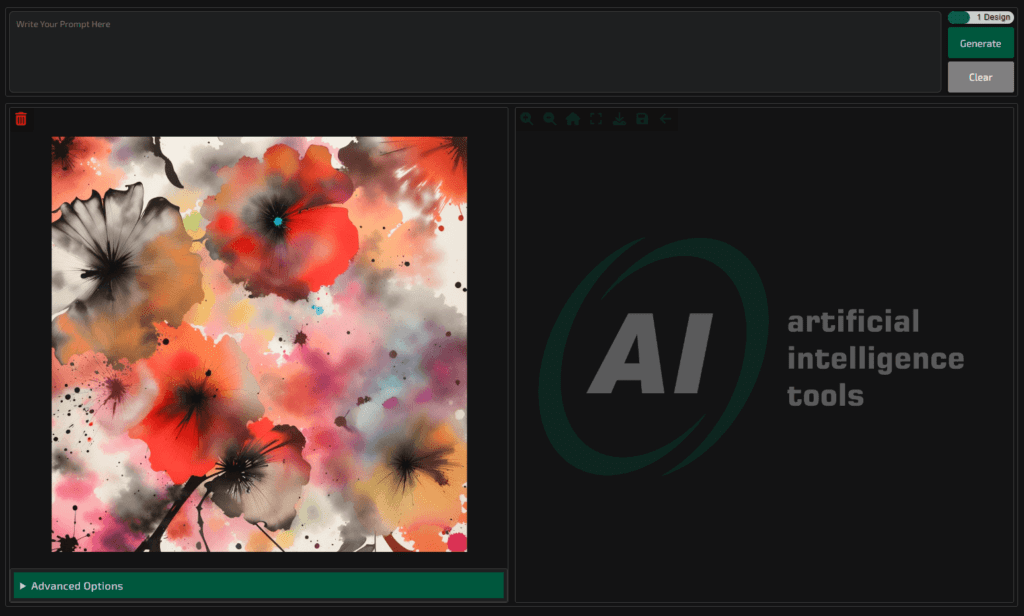
AIT AI Tools helps designers develop these ideas into usable textile pattern designs. The process can begin with Text to Pattern, continue with variation and editing tools, and evolve into seamless repeats, colorways, or mockups depending on the needs of the collection.
This makes the creative process more flexible. Designers can test more ideas, compare different visual languages, and present stronger alternatives to buyers, managers, or production teams without losing days in manual preparation.
Create Seamless Textile Patterns for Real Production Workflows
A textile pattern is not complete just because it looks good on screen. For fabric printing and production, the design must work as a repeat. Edges need to connect properly, motifs need to flow naturally, and the overall pattern must feel continuous across a larger surface.
AIT AI Tools supports this workflow with repeat-focused features that help designers create seamless textile patterns faster. Instead of spending long hours fixing edges manually, designers can use AI-powered repeat tools to prepare cleaner, more production-oriented pattern structures.
For textile manufacturers and digital print studios, this can reduce one of the most time-consuming parts of the design process: turning a promising visual idea into a repeatable fabric pattern.
Colorways, Upscaling, Vectorization, and Print-Ready Design Preparation
Creating the pattern is only one part of textile design. After the pattern is selected, designers often need additional colorways, higher resolution, editable files, clean backgrounds, or color-separated outputs for production discussions.
AIT AI Tools supports these needs with tools such as Colorway, Upscaler, Vectorizer, Background Remover, and Color Separation. These tools help creative teams prepare textile patterns for review, presentation, archive, and production-oriented workflows.
- Colorway: Rework a textile pattern according to selected color palettes and collection themes.
- Upscaler: Increase pattern resolution while protecting important visual details.
- Vectorizer: Convert pixel-based designs into scalable SVG-style outputs.
- Color Separation: Prepare designs with editable color layers for textile production processes.
- Background Remover: Clean pattern elements and improve design flexibility for presentations.
AI Mockups for Fashion, Fabric, and Home Textile Presentations
Before a textile pattern goes into production, it needs to be seen in context. A flat pattern file may show the artwork, but a mockup shows the possibility. It helps buyers, brand teams, and decision-makers imagine how the pattern will look on a dress, scarf, bedding set, curtain, cushion, or other textile product.
With AIT AI Tools, designers can use AI-powered mockup and 2D/3D wear design features to visualize textile patterns on realistic products and scenes. This shortens the distance between design creation and commercial presentation.
For B2B textile companies, this is especially valuable. A strong mockup can help a pattern move from an internal idea to a buyer-ready presentation much faster.
AI Does Not Replace Textile Designers. It Expands Their Creative Capacity.
The most common concern around artificial intelligence in design is whether AI will replace creative professionals. In textile design, the stronger answer is different: AI removes repetitive barriers so designers can focus more on creative direction.
A designer still defines the mood, trend direction, color language, brand identity, target customer, collection story, and final selection. AI simply accelerates the journey between idea and execution.
When designers create textile pattern designs with AI, they are not giving up creativity. They are gaining more room to test, refine, compare, and present their ideas with greater speed and confidence.
Who Can Use AI Textile Design Tools?
AI textile design tools are useful for every team that works with printed fabrics, digital textile patterns, or surface design collections. AIT AI Tools can support both individual designers and professional textile companies that need faster design development.
- Fashion brands creating seasonal and capsule textile collections.
- Textile manufacturers preparing pattern options for production and buyer meetings.
- Home textile companies designing bedding, curtains, cushions, upholstery, and decorative fabrics.
- Digital print studios developing print-ready textile pattern concepts.
- Fabric designers looking for faster ideation, colorway, repeat, and mockup workflows.
Frequently Asked Questions About Creating Textile Pattern Designs with AI
What does it mean to create textile pattern designs with AI?
It means using artificial intelligence to generate, edit, repeat, recolor, upscale, and prepare textile patterns for fashion, fabric, home textile, and digital print workflows.
Can AI create print-ready textile patterns?
Yes. With specialized AI textile design tools such as AIT AI Tools, designers can create pattern concepts, seamless repeats, colorways, high-resolution outputs, mockups, and production-oriented design files.
Is AIT AI Tools only an AI image generator?
No. AIT AI Tools is built specifically for textile design workflows. It supports pattern generation, repeat creation, colorway development, color separation, vectorization, upscaling, background removal, and AI mockup generation.
Who should use AI textile design tools?
Fashion brands, textile manufacturers, digital print studios, home textile companies, fabric designers, and creative teams can use AI textile design tools to speed up pattern creation and presentation workflows.
Does AI replace textile designers?
No. AI supports textile designers by reducing repetitive technical work and accelerating ideation. The designer still leads the creative direction, trend interpretation, color decisions, brand identity, and final selection.
Conclusion: Create Textile Pattern Designs with AI and Move Faster from Idea to Fabric
The future of textile design belongs to creative teams that can combine originality with speed. With AIT AI Tools, designers can create textile pattern designs with AI, build seamless repeats, explore colorways, prepare mockups, and move closer to print-ready results in a more efficient workflow.
Whether you design for fashion, home textiles, digital fabric printing, or large-scale textile production, AIT AI Tools helps transform raw ideas into stronger, faster, and more production-oriented textile pattern designs.
Ready to create textile pattern designs with AI? Discover how AIT AI Tools can help your team generate unique patterns, seamless repeats, colorways, mockups, and print-ready textile designs faster.
Book a Free Demo