Meet your textile AI workspace.
See how your team can generate, refine, prepare and present textile designs inside one production-ready interface. Explore the workflow now, then enter the platform already knowing where everything lives.
Enter the workflow at the step your team needs.
Use the production stages as a guided route or jump directly to a single tool. Selecting a stage filters the complete library below.
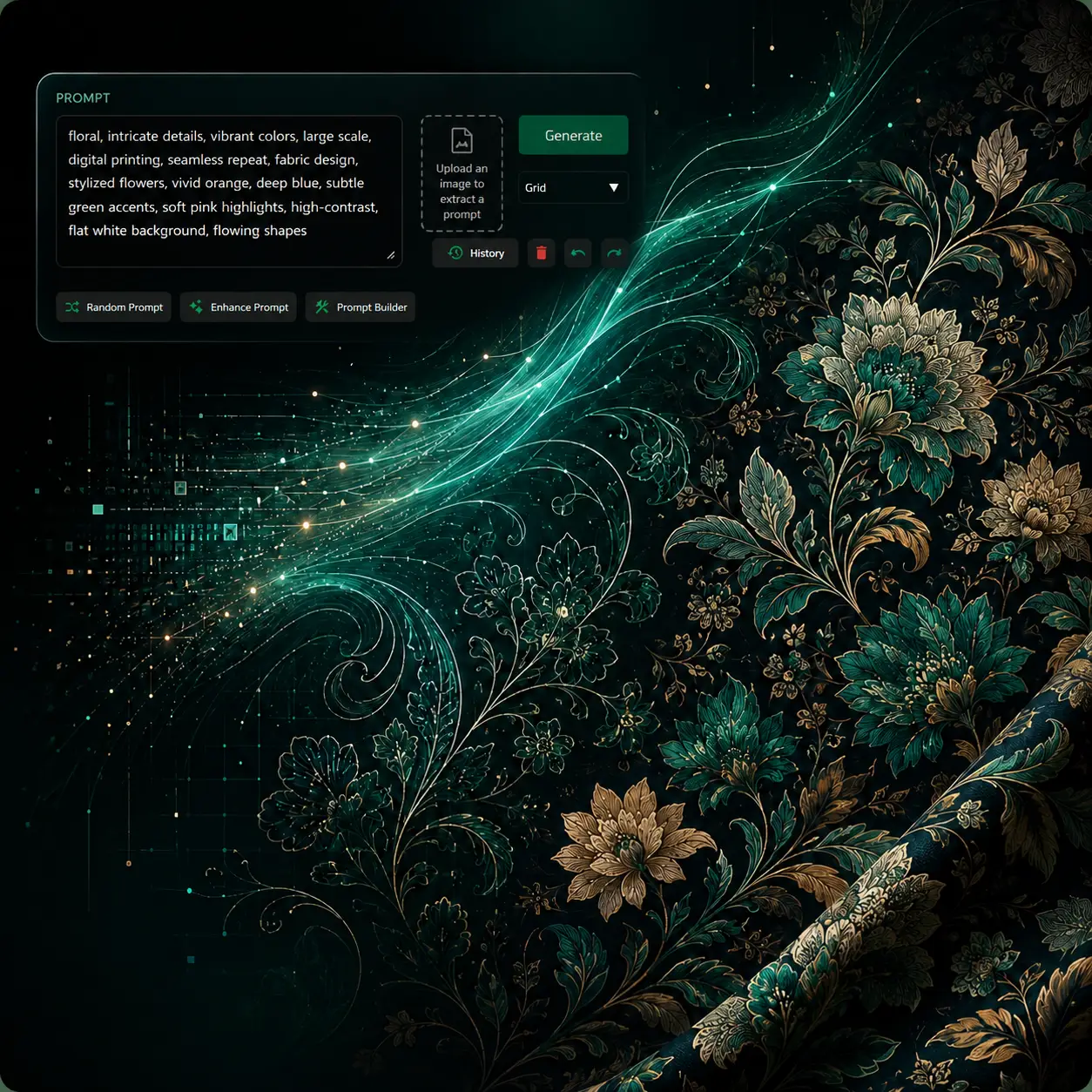
Text to Pattern
Describe the direction you need and generate a seamless textile pattern instead of a generic mood image.
Outcome: an original pattern direction Explore tool →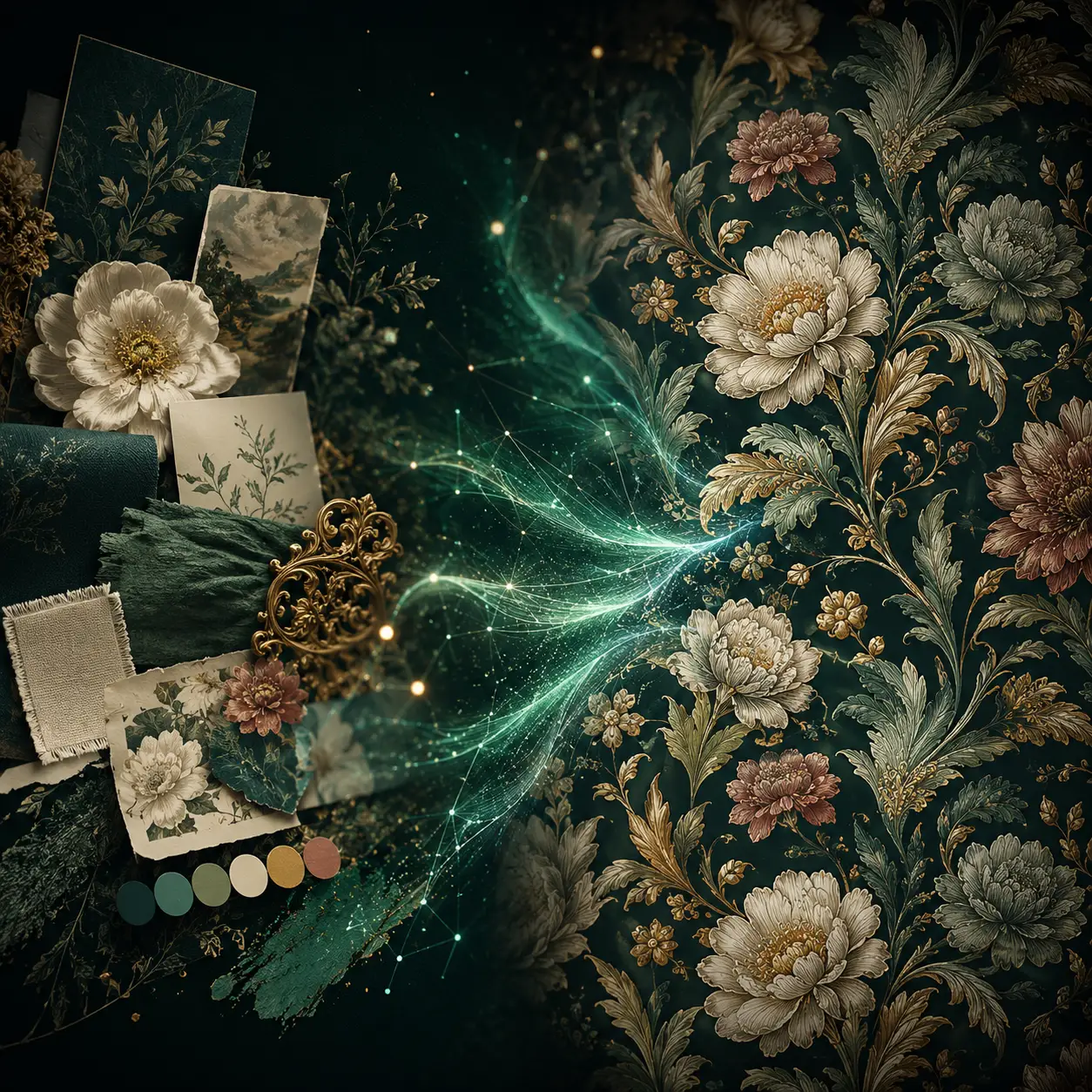
Imagine
Use a reference and a written direction to create a fresh design language for your next collection.
Outcome: controlled design variations Explore tool →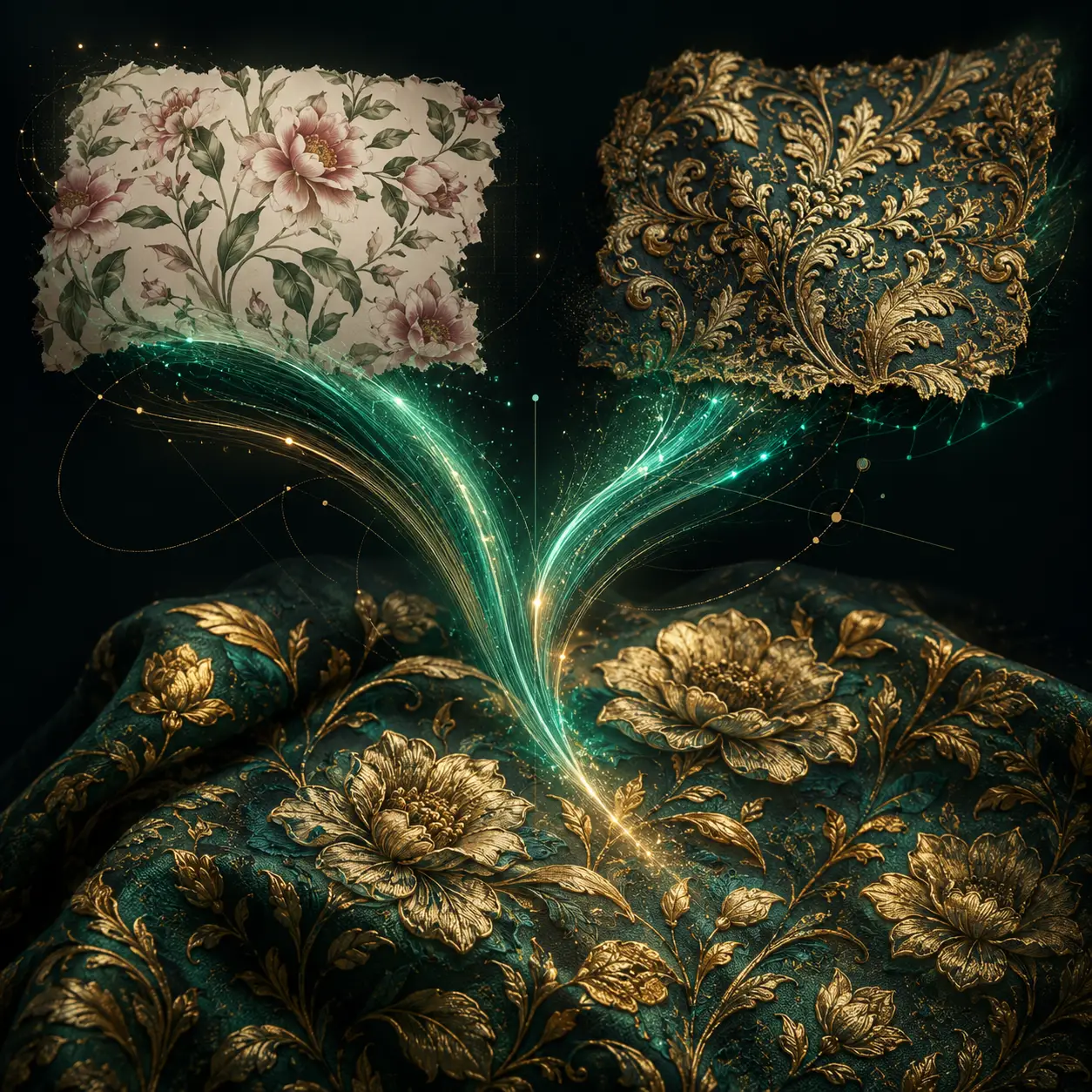
Style Transfer
Translate an existing pattern into another artistic language while preserving its core composition.
Outcome: faster visual exploration Explore tool →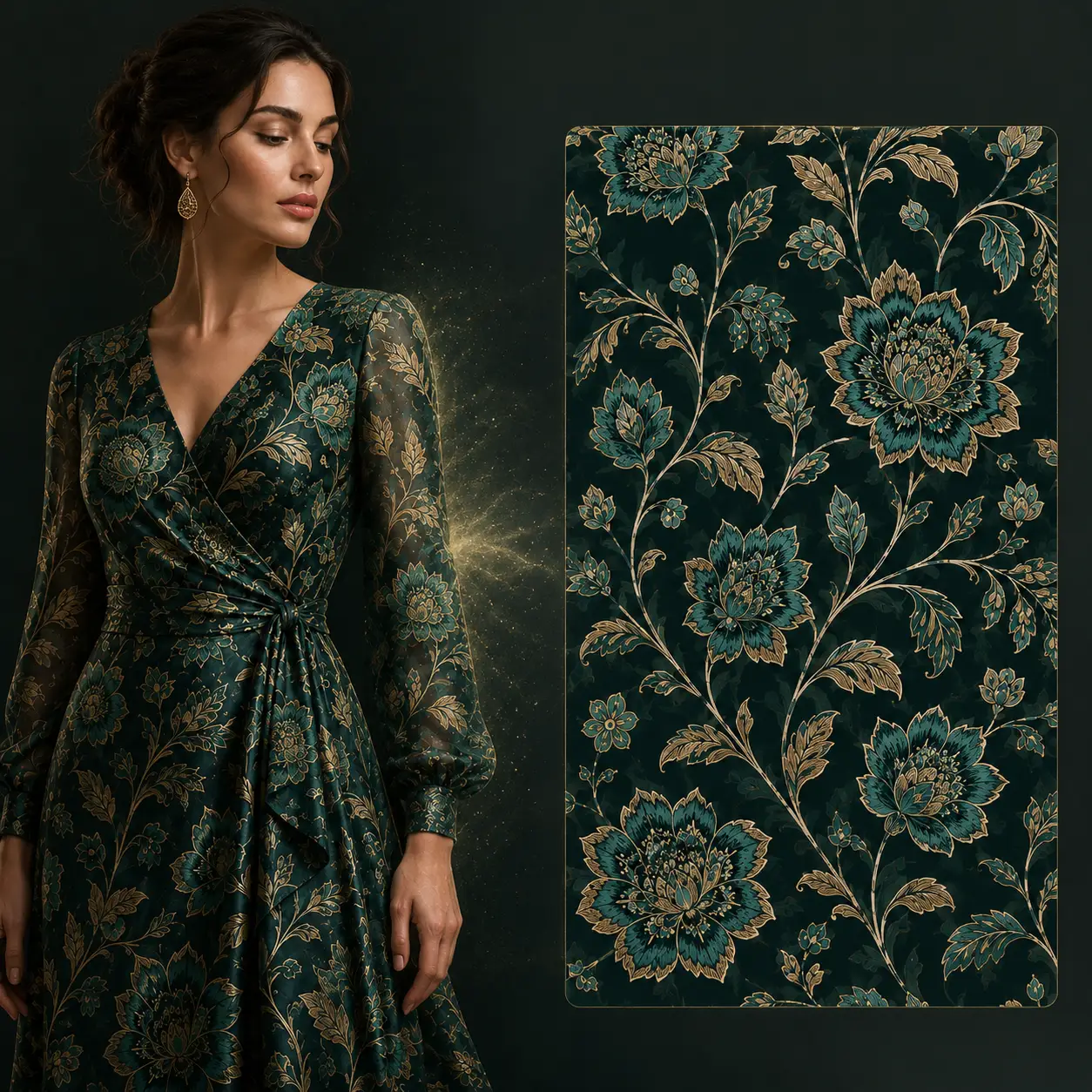
Pattern Extractor
Recover a clean repeat from a garment or fabric photograph and continue working with the design.
Outcome: reusable pattern artwork Explore tool →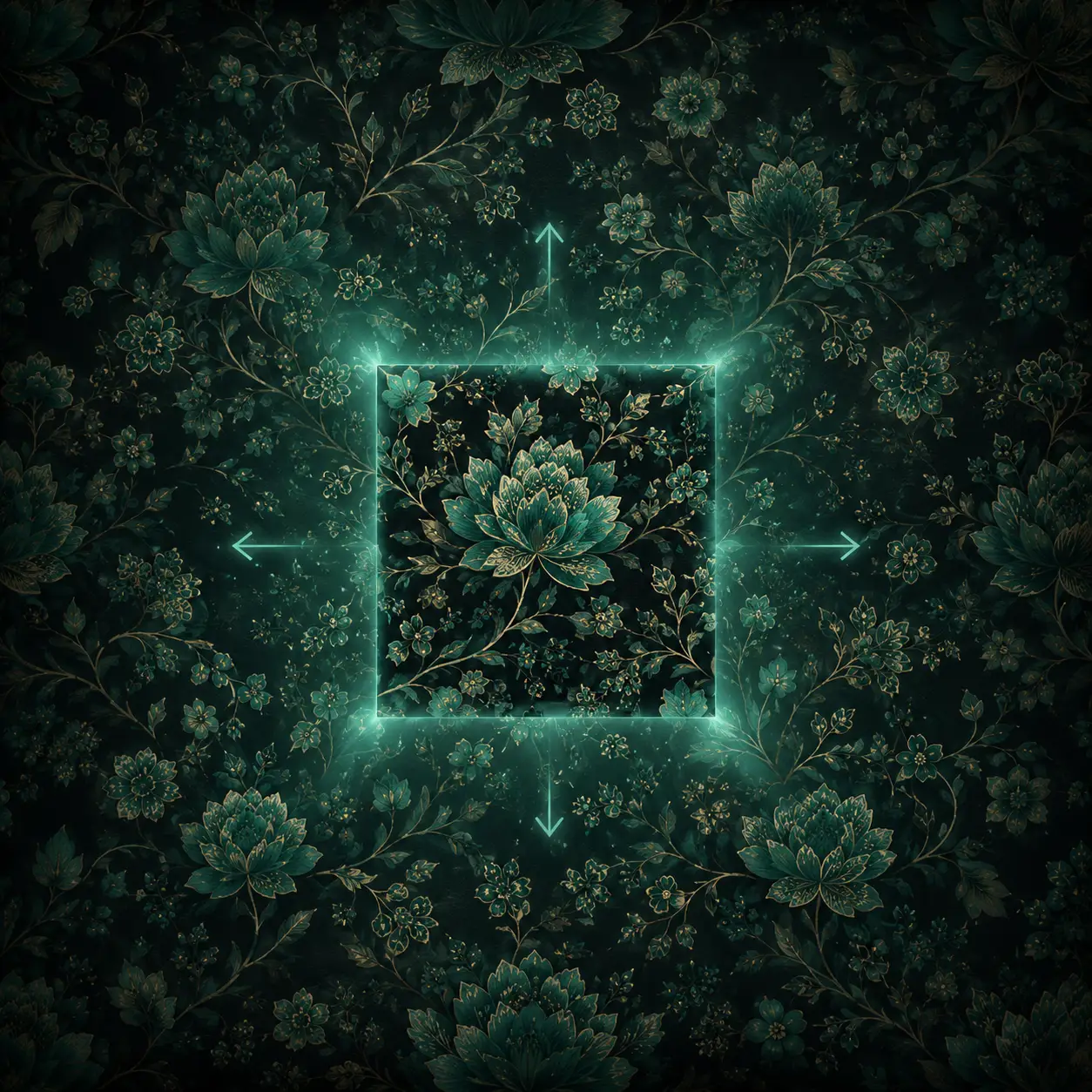
Expand
Extend a composition in any direction without breaking the visual flow already present in the artwork.
Outcome: flexible compositions Explore tool →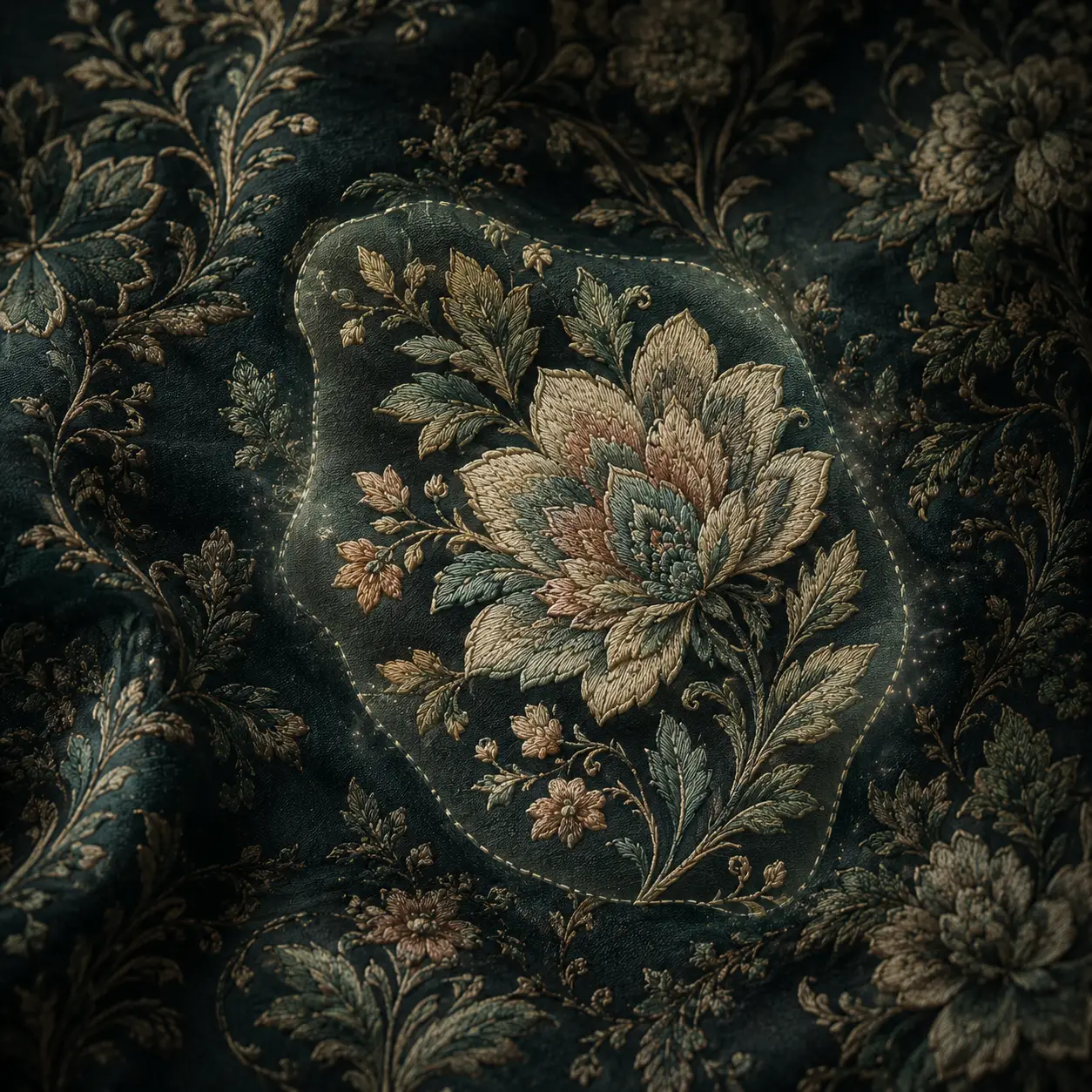
Inpainting
Change one selected motif, subject or damaged area while keeping the rest of the design untouched.
Outcome: local edits without rebuilding Explore tool →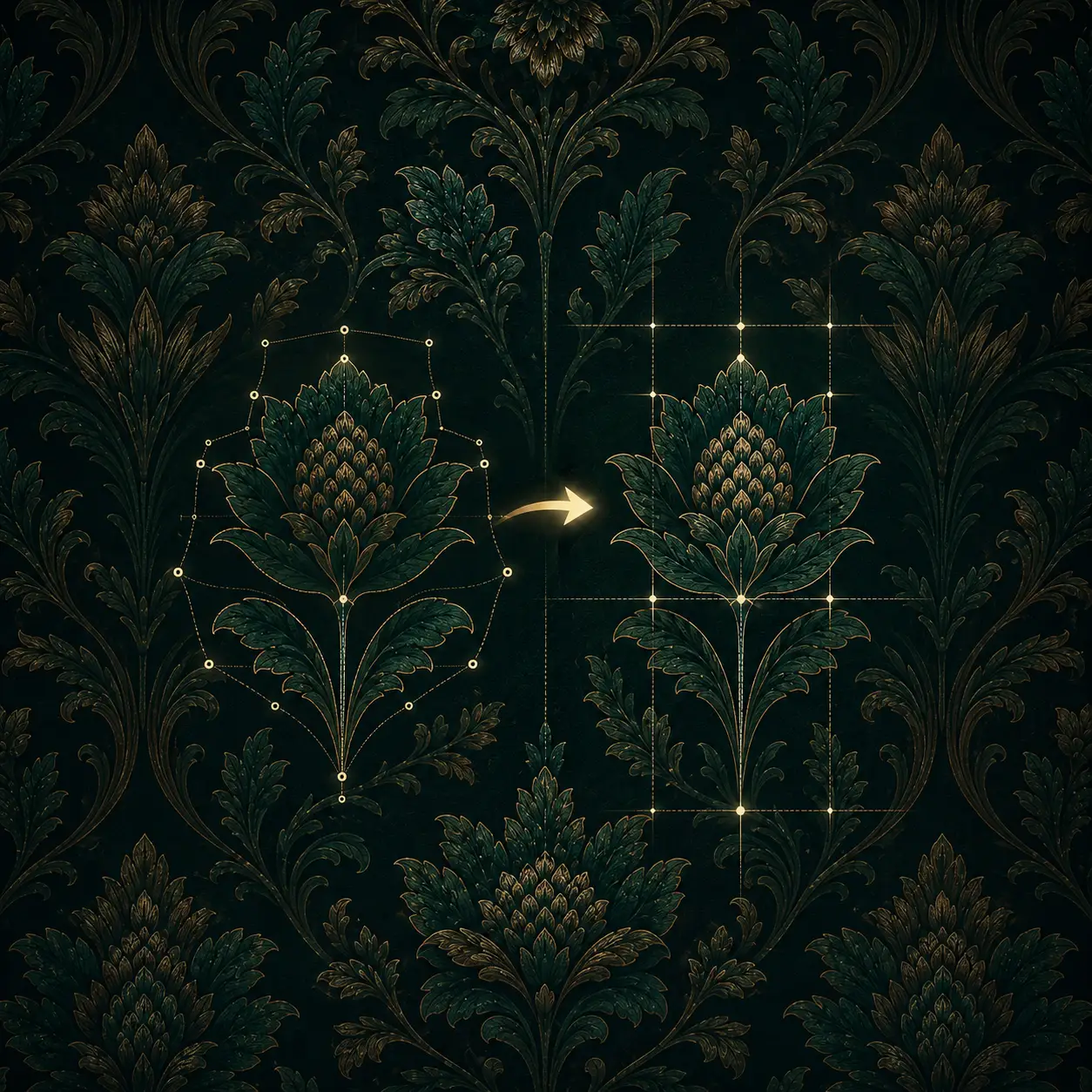
Pattern Editor
Restructure motifs, colors and composition through one instruction while preserving the working direction.
Outcome: prompt-based art direction Explore tool →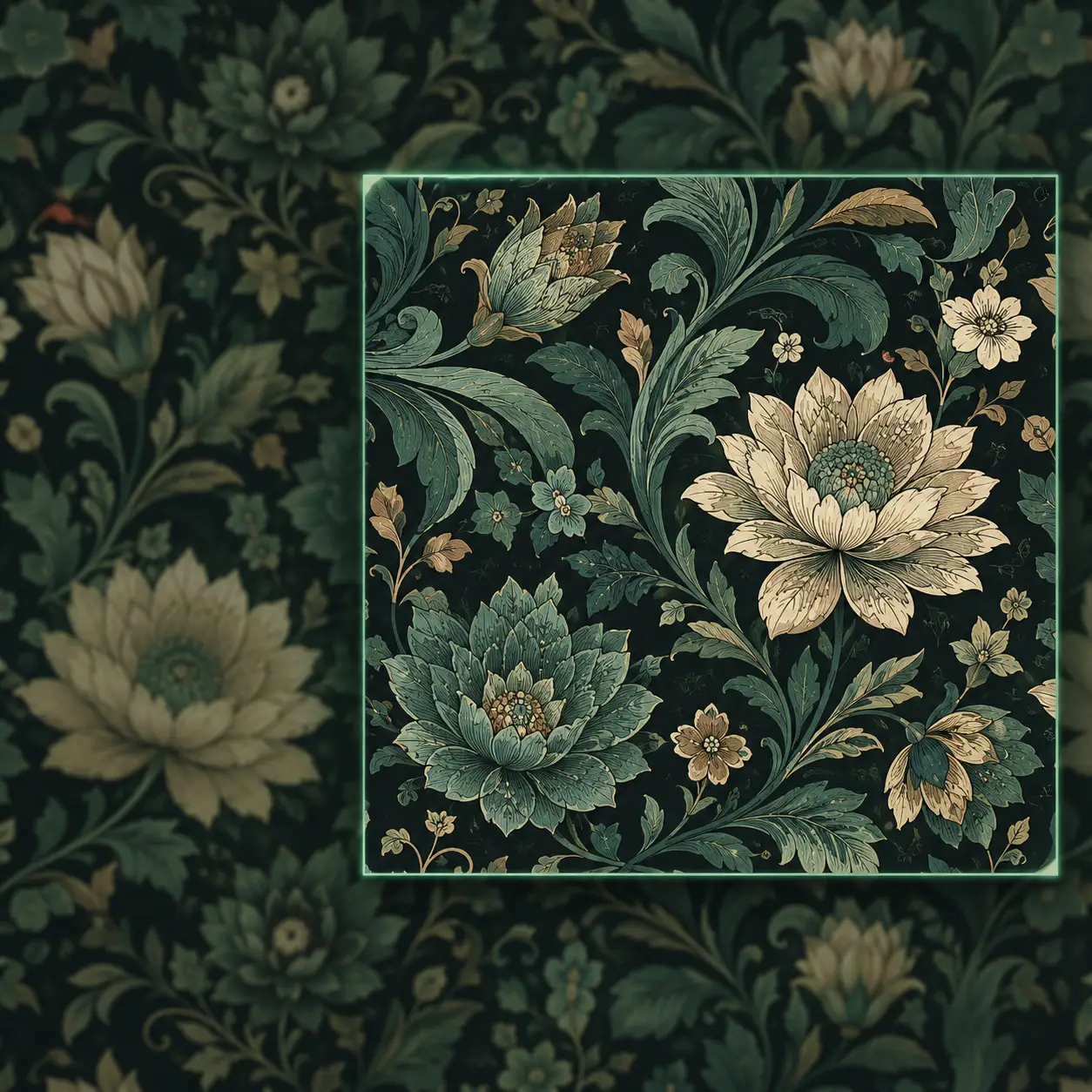
Upscaler
Bring artwork up to 15,000 pixels while preserving the details required by the printing process.
Outcome: production-scale resolution Explore tool →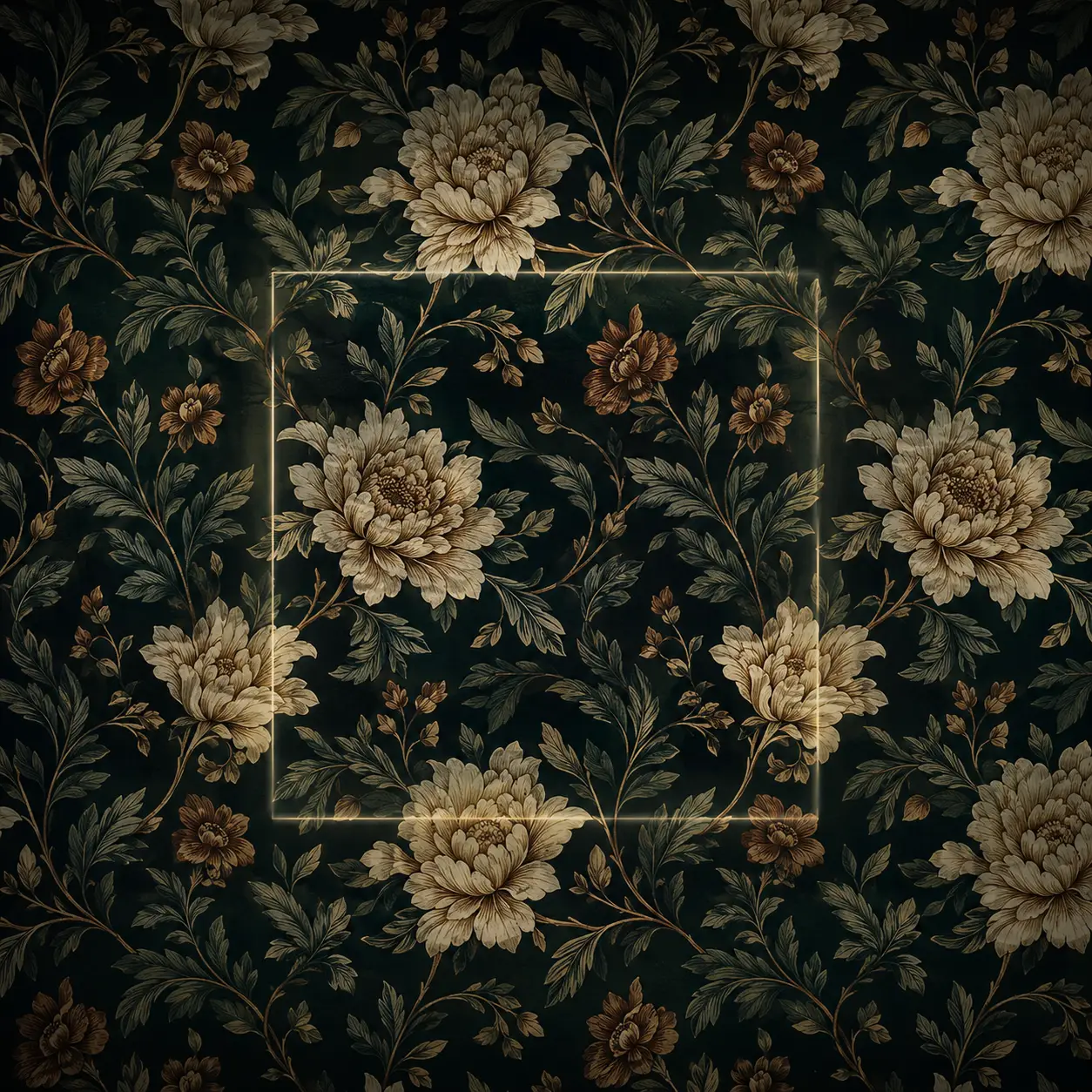
Repeater
Test scale, repair visible seams and lock the repeat before the design reaches production.
Outcome: seamless print-ready rapport Explore tool →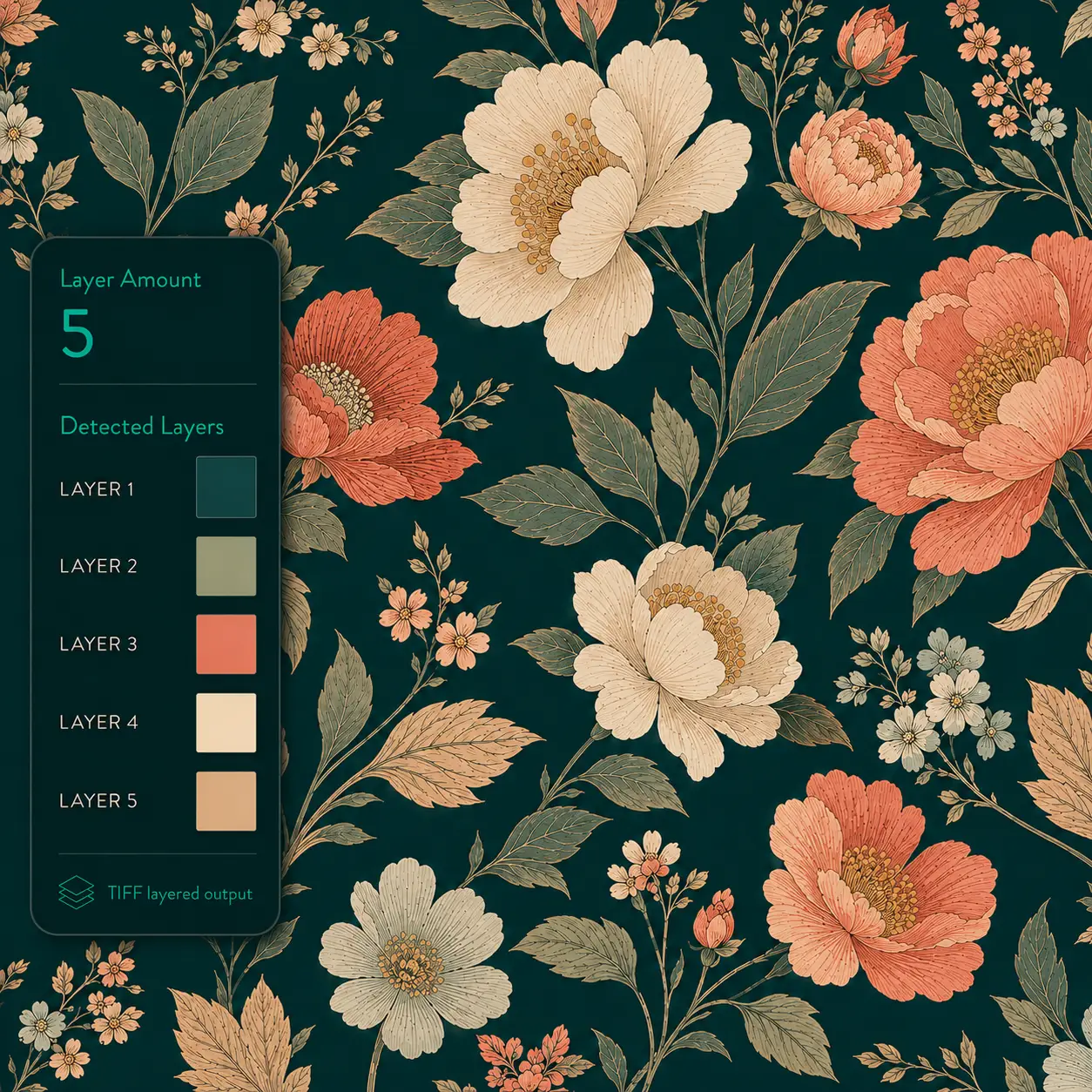
Color Separation
Separate artwork into as many as 32 editable color layers for a faster prepress workflow.
Outcome: editable print color layers Explore tool →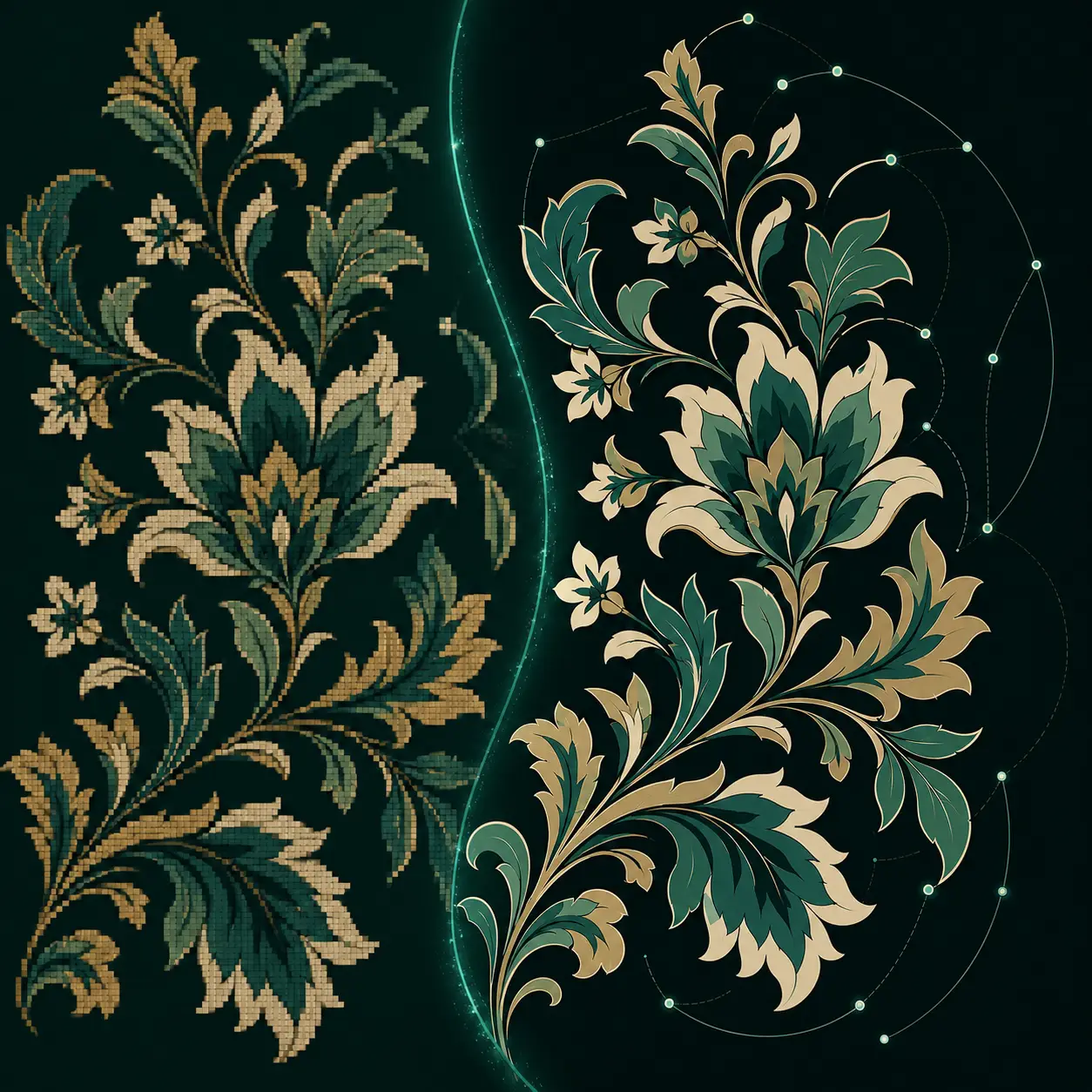
Vectorizer
Convert raster artwork into clean, editable SVG that remains sharp at any production size.
Outcome: scalable editable artwork Explore tool →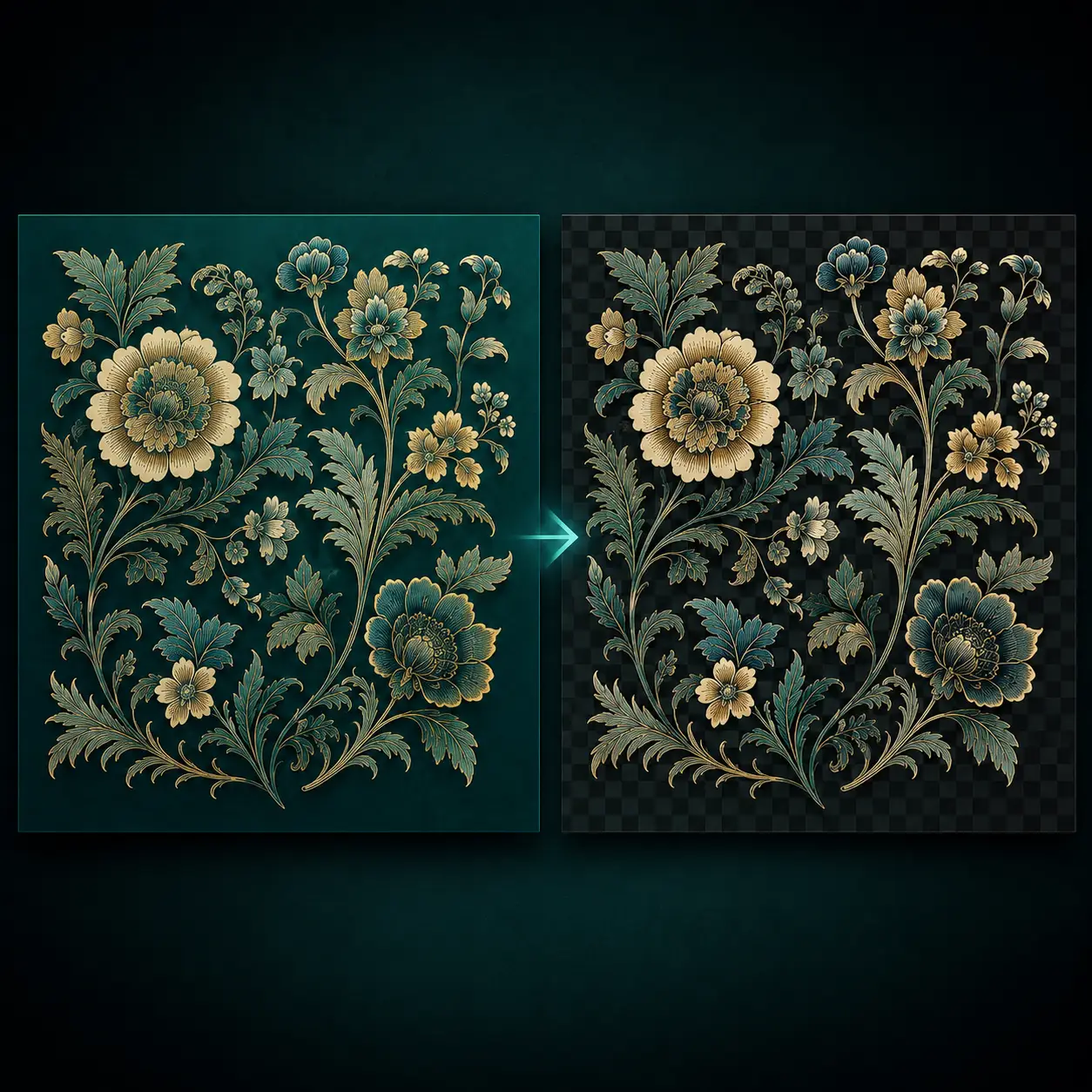
Background Remover
Isolate artwork from its background while keeping fine edges, colors and small design details intact.
Outcome: clean transparent artwork Explore tool →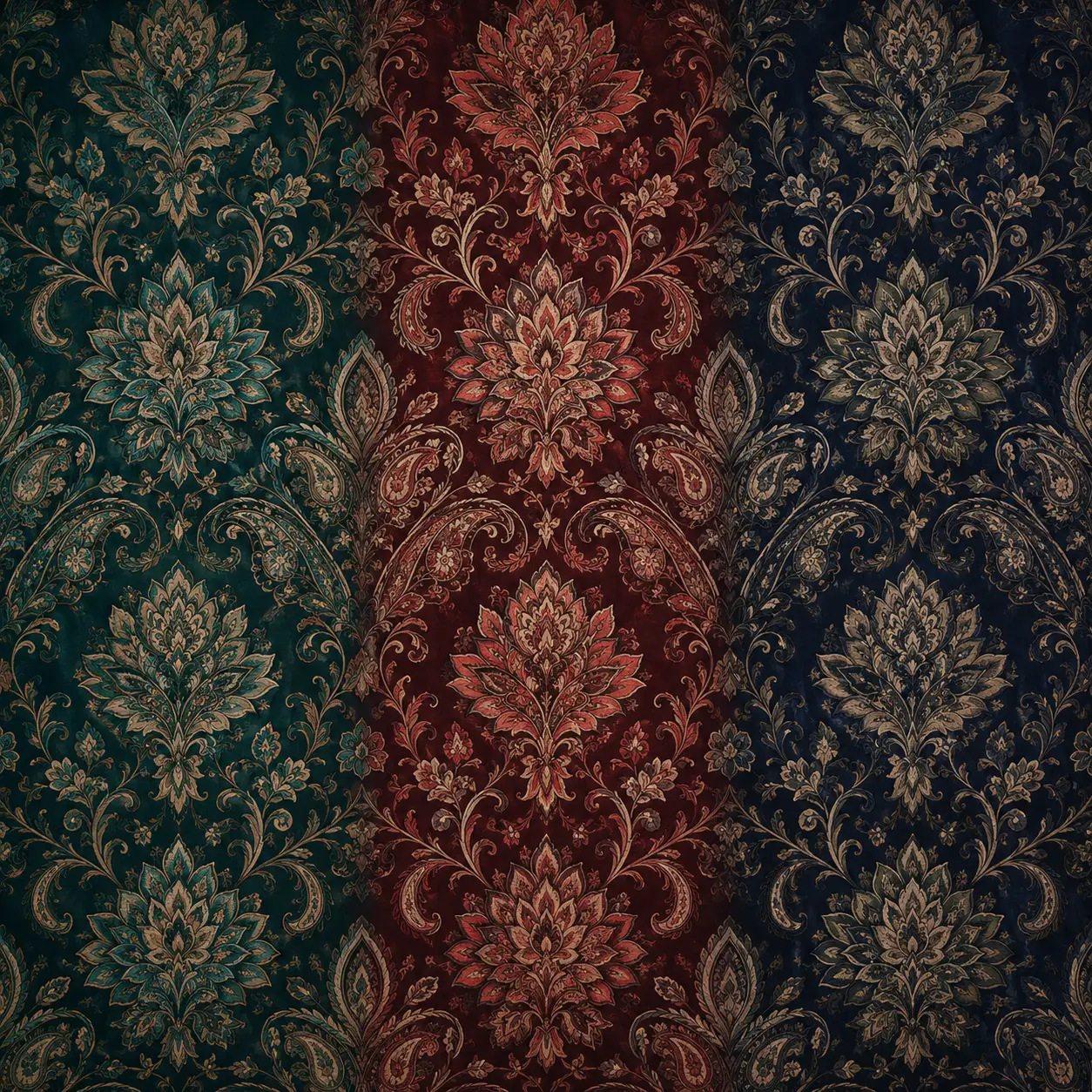
Colorway
Create a coordinated family of colorways while preserving the original structure of the pattern.
Outcome: collection-ready palette options Explore tool →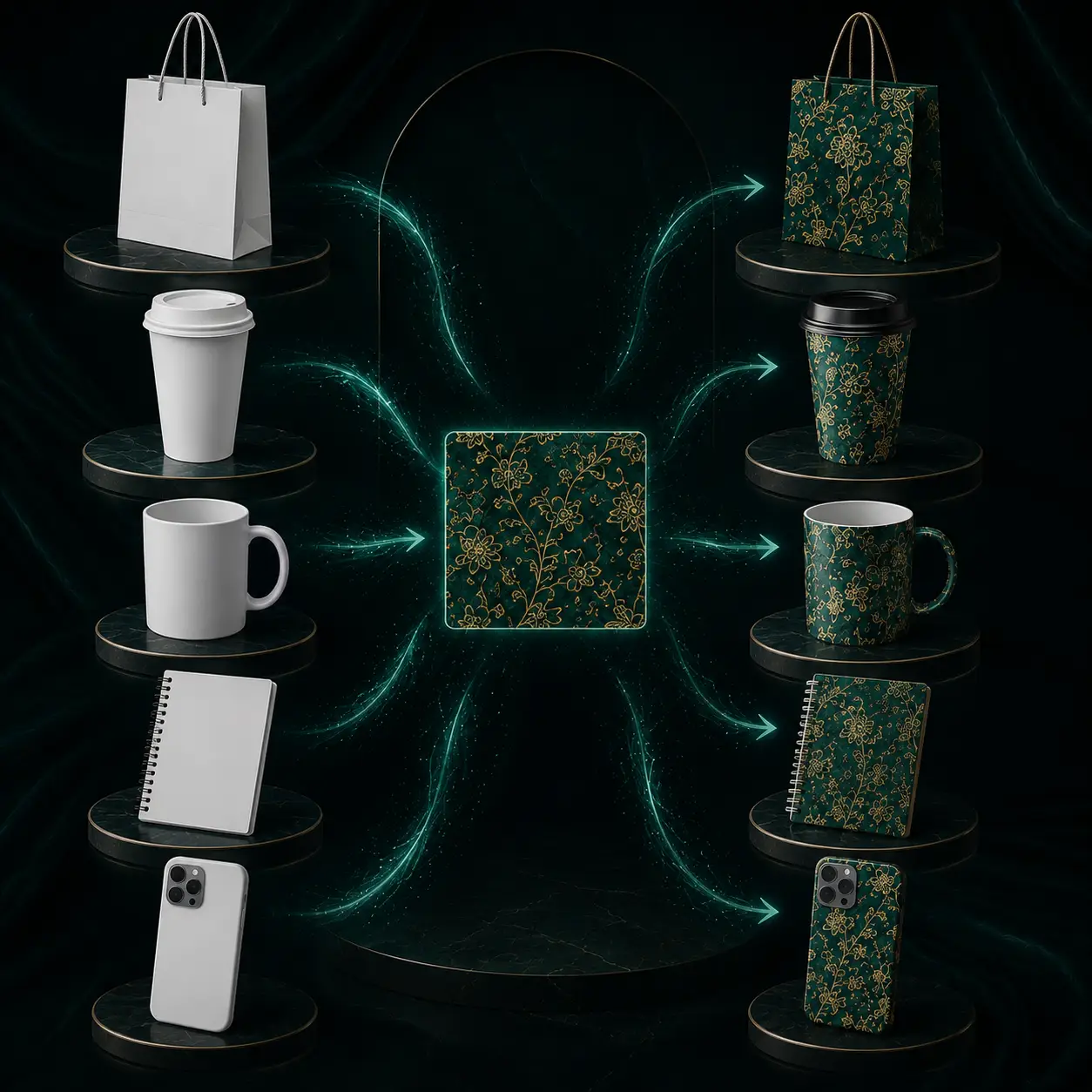
3D Mockups
Present a design on realistic garments and branded products without producing a physical sample first.
Outcome: buyer-ready product visuals Explore tool →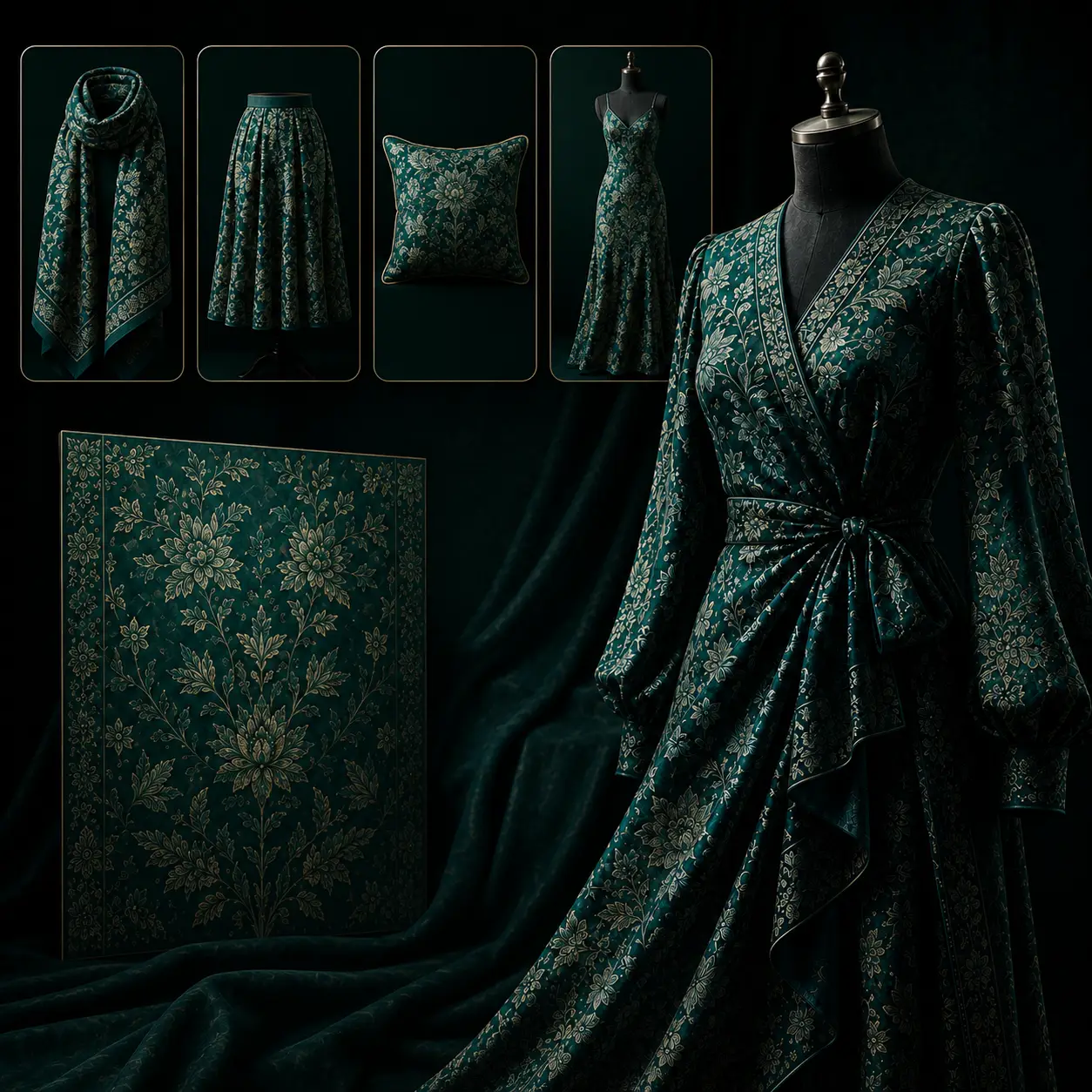
Wear Design
Choose the fabric and model, then preview how the pattern behaves and drapes on a 3D garment.
Outcome: realistic garment visualization Explore tool →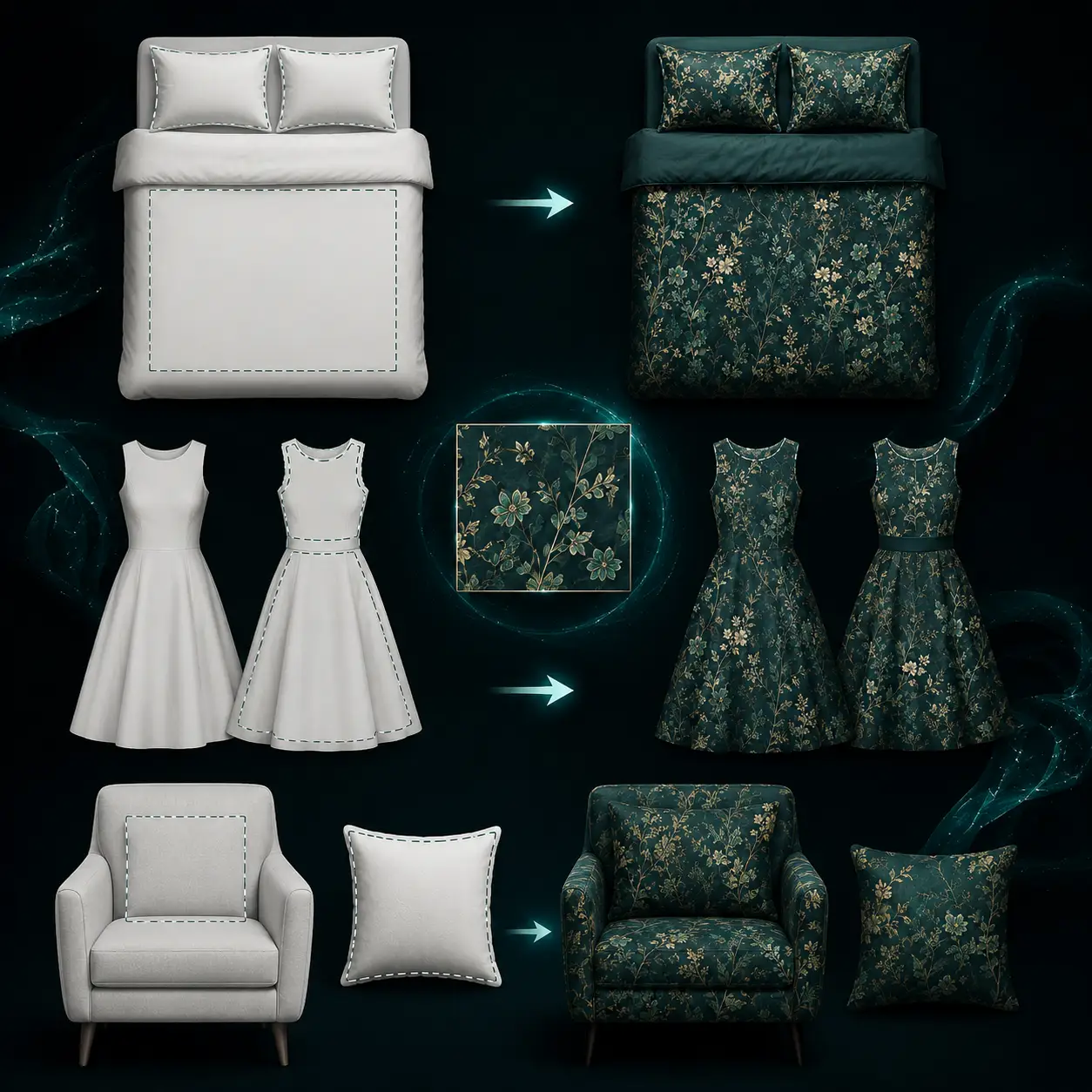
2D Wear Design
Place a textile design onto realistic product mockups instantly, with no complex setup or manual masking.
Outcome: instant product previews Explore tool →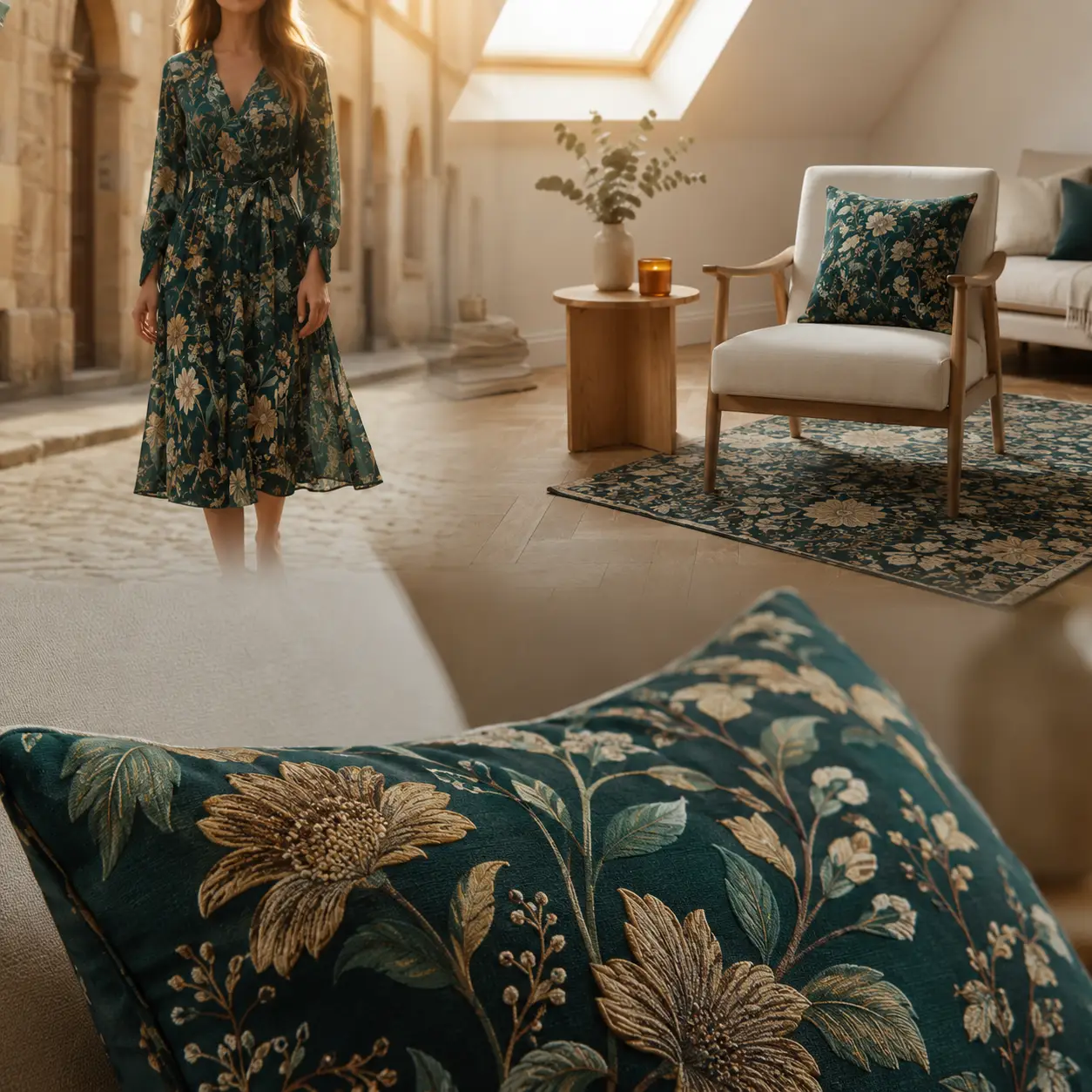
AI Mockup Generator
Render artwork into fabric, studio or lifestyle scenes without organizing a photoshoot or retouching session.
Outcome: campaign-ready visual scenes Explore tool →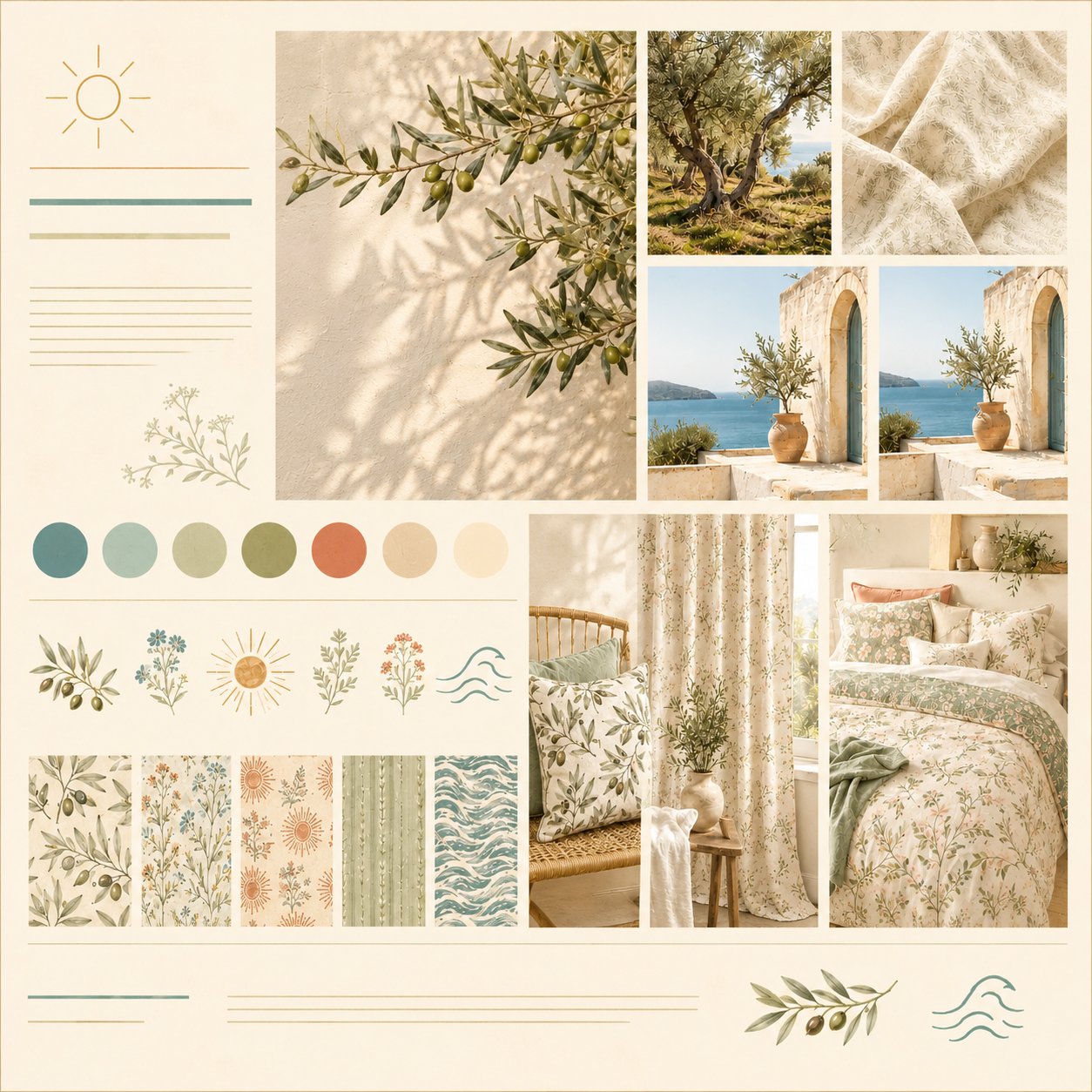
Moodboard
Reads your patterns and prompt, then builds an inspiration board with palette, theme, motifs and use cases.
Outcome: a creative roadmap, not a copy Explore tool →Your team already knows the interface. Now run a real design.
Start free and move one textile design through the complete workflow today. For a guided evaluation, book a live demo for your team.
No credit card required · Built for textile design and production teams