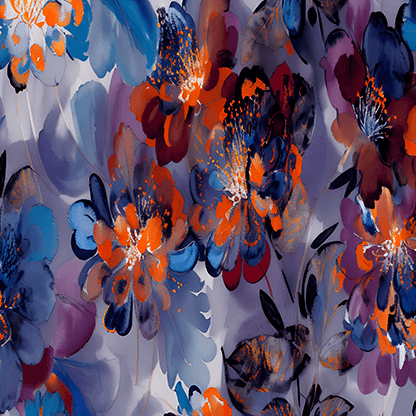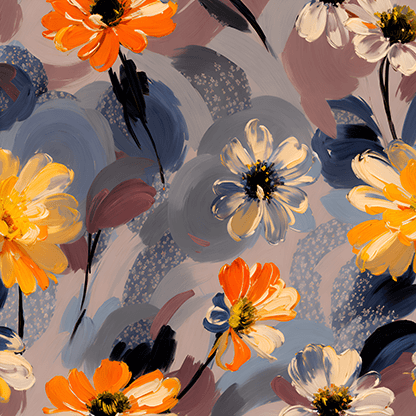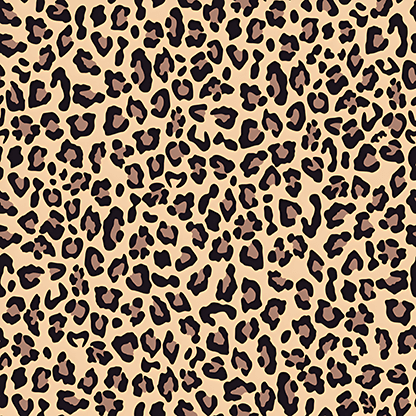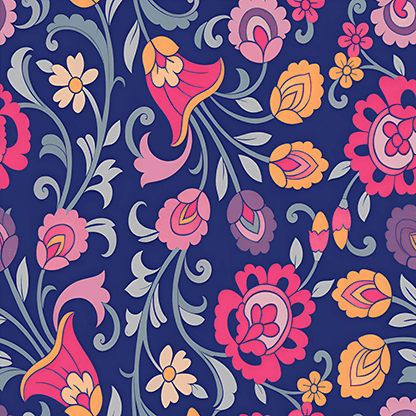
Just One Photo! Pattern Extractor Pulls Stunning Patterns from Any Real-World Scene
Instantly transform photos into high-quality, editable patterns.
Extract Patterns with AI Precision
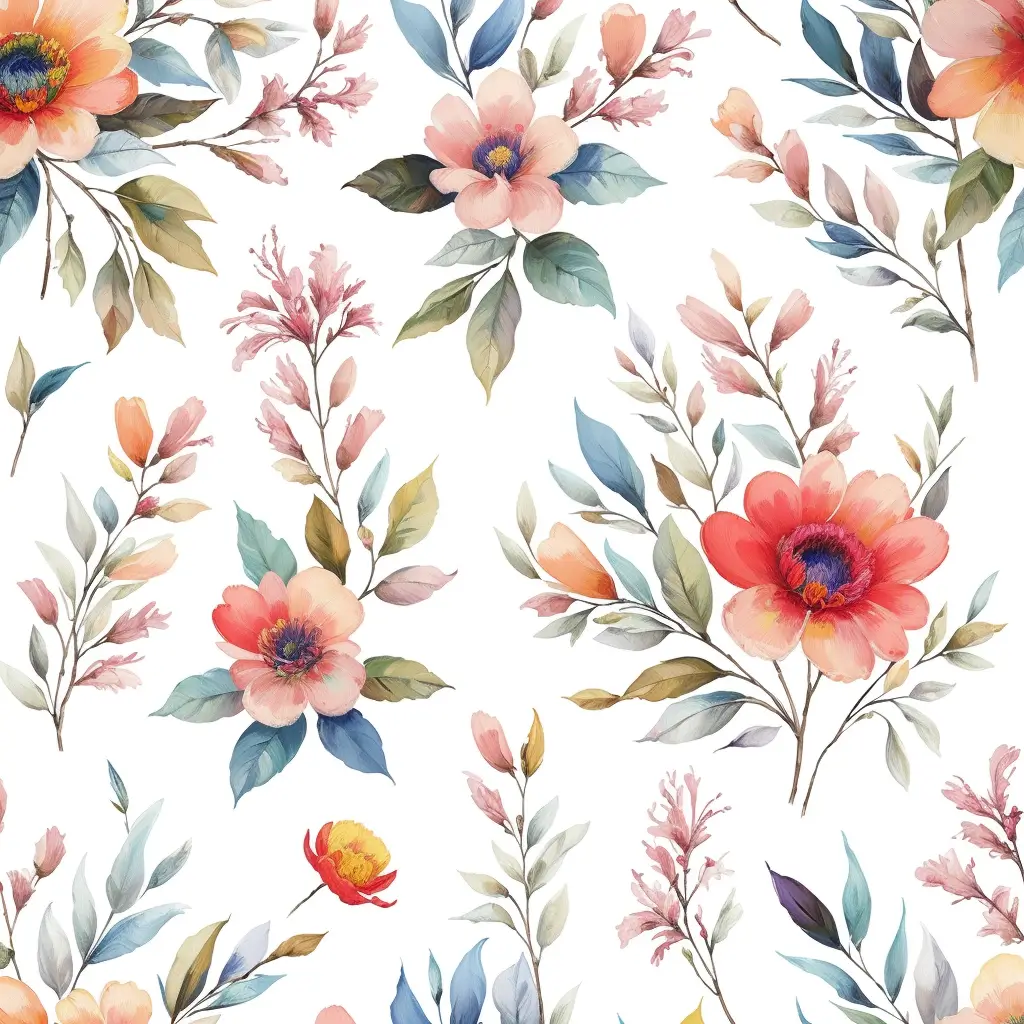
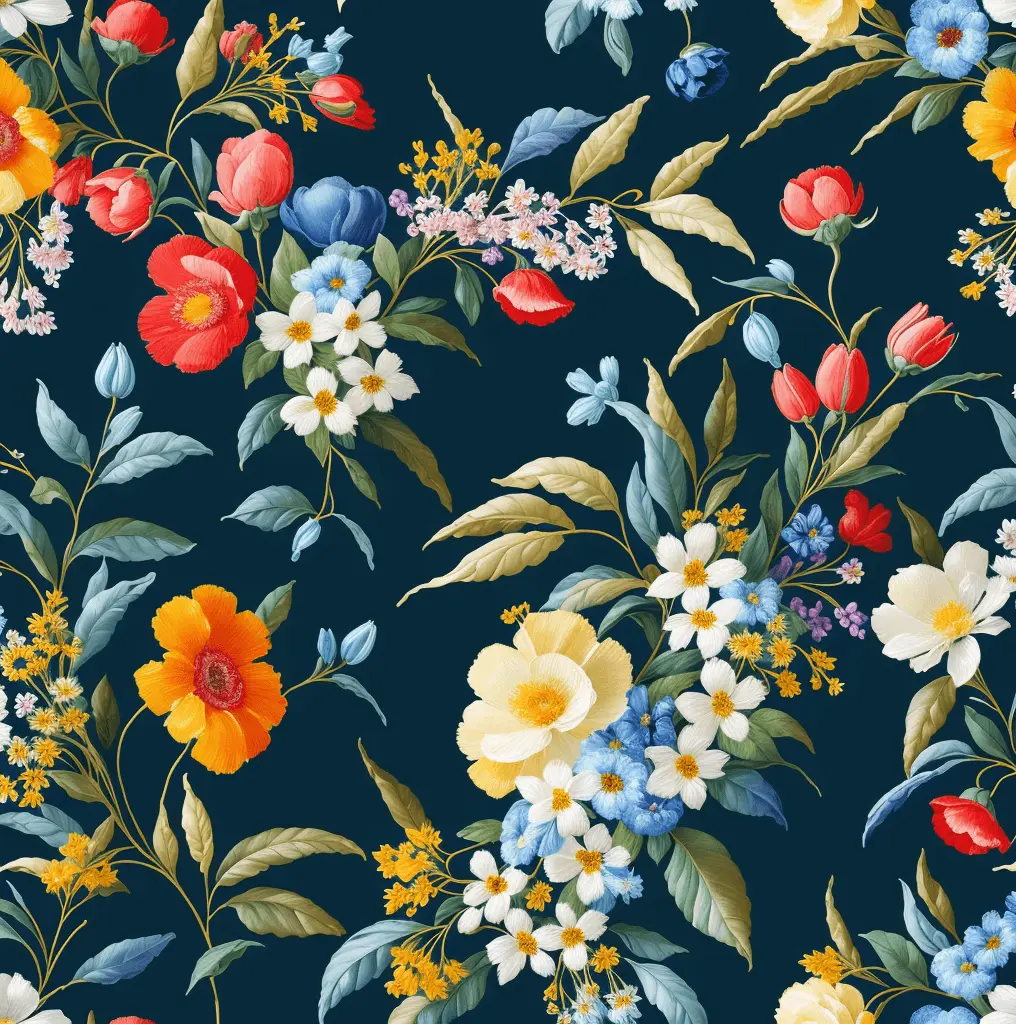
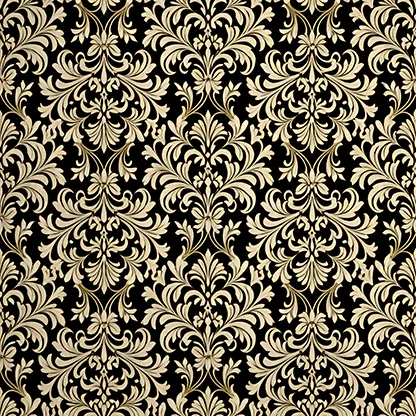
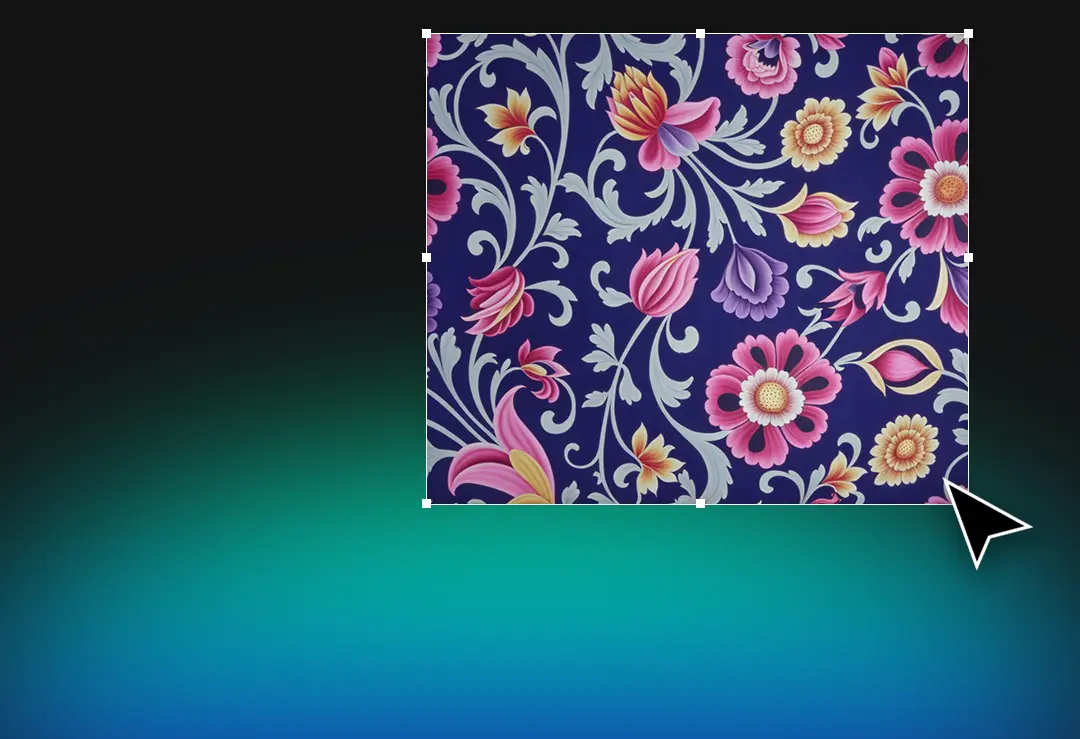
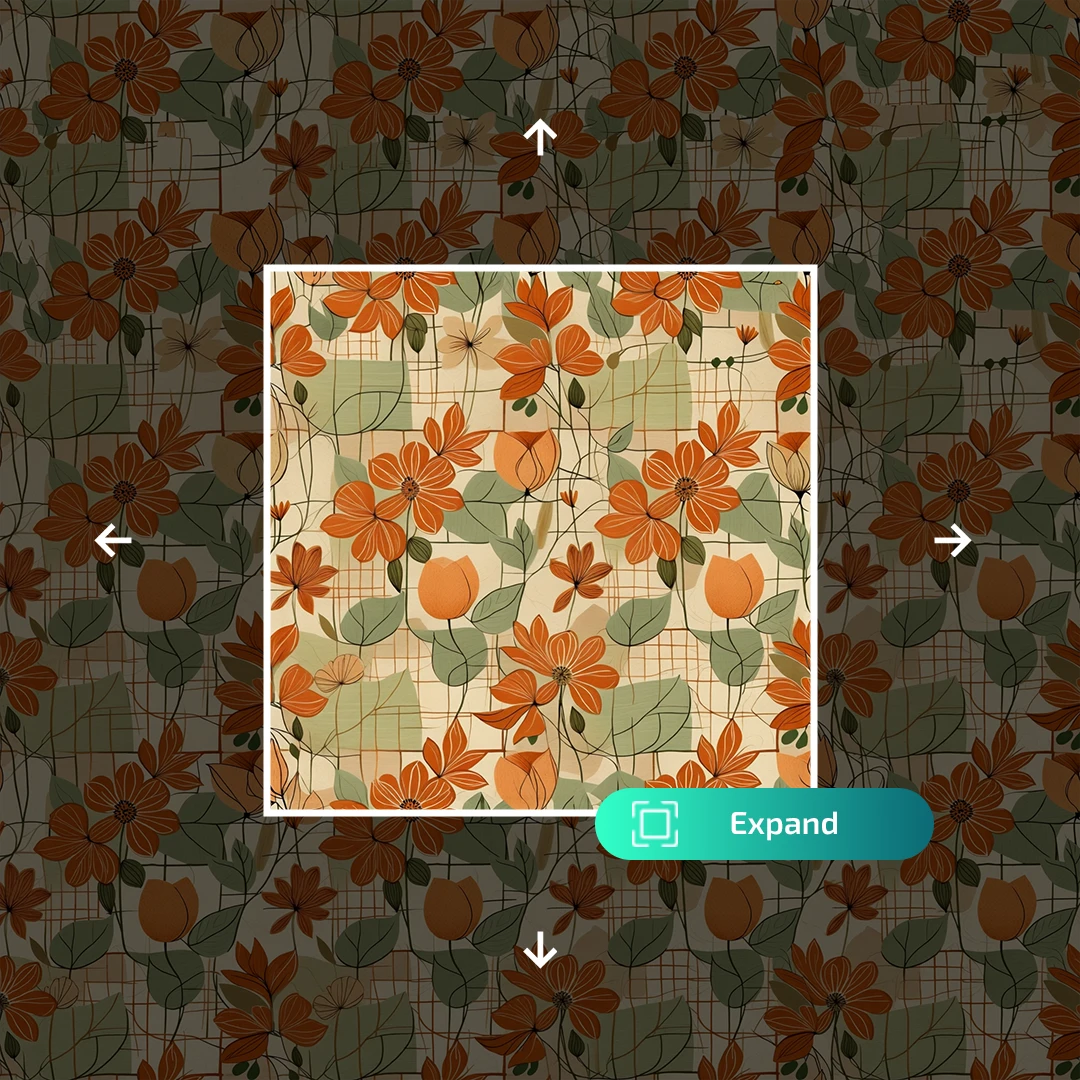
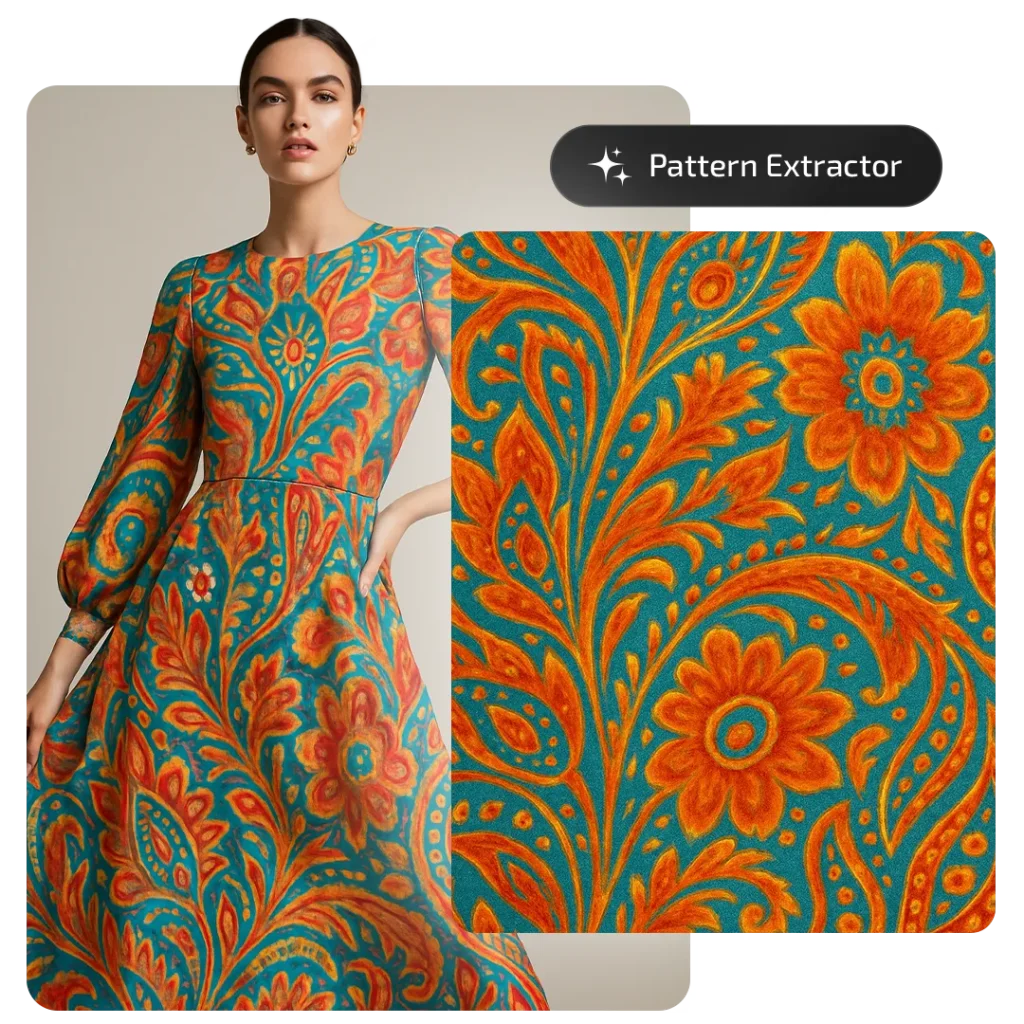
Transform any fabric photo into clean, repeat-ready patterns. AI automatically removes folds, lighting, and perspective distortions for professional design output.
CAPABILITIES Access Professional Design Suite
PATTERN EXTRACTOR
Effortlessly create seamless rapport patteExtract seamless, production ready patterns from real world photos garments, rooms, or product shots. AI normalizes perspective, folds, and lighting to deliver clean, repeat-ready results.
Capture fabrics in 2D scenes
Upload once; get repeat-ready patterns from outfits, rooms or product shots.
Detects curves, motion & depth
Perspective, folds and lighting inconsistencies are normalized by AI.
Identifies patterns anywhere
From catwalks to product photos consistent, clean outputs every time.
Catwalk photo extraction
Preserve original style & rapport without pixelation artifacts.
Other Tools
The AIT Ecosystem
MARKET REACH
2,750+
CREATORS NEURAL OUTPUT
750k+
PATTERNS GENERATEDFrequently Asked Question
Features you need to know to use this tool effectively
How does Pattern Extractor work?
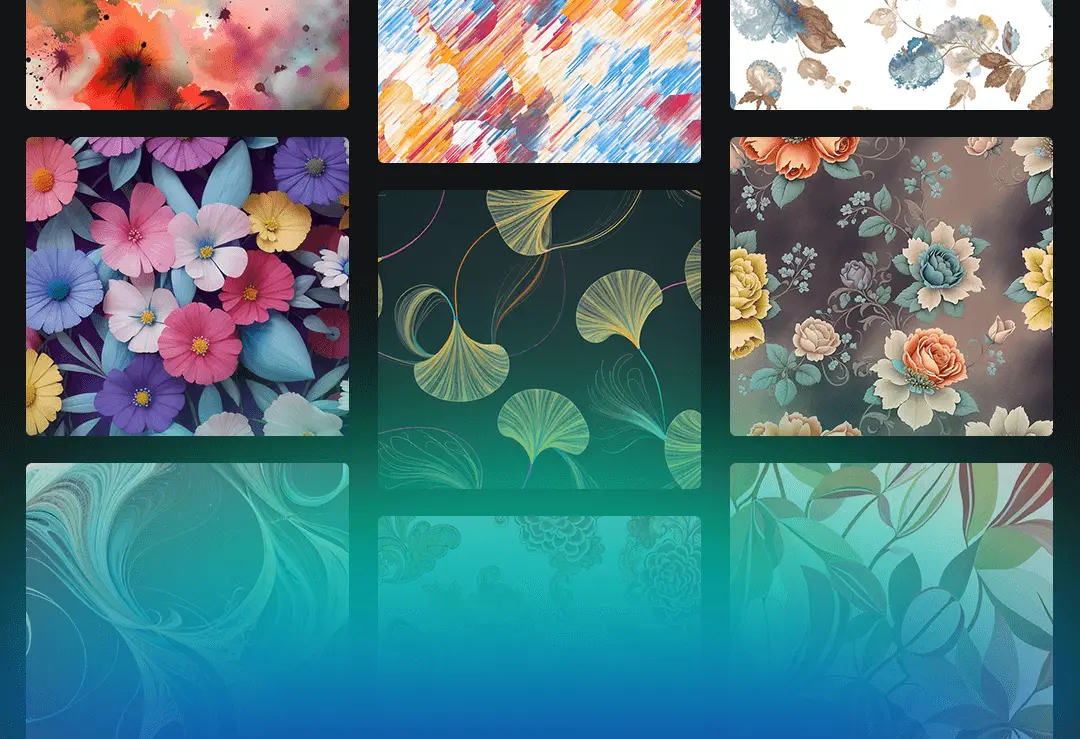
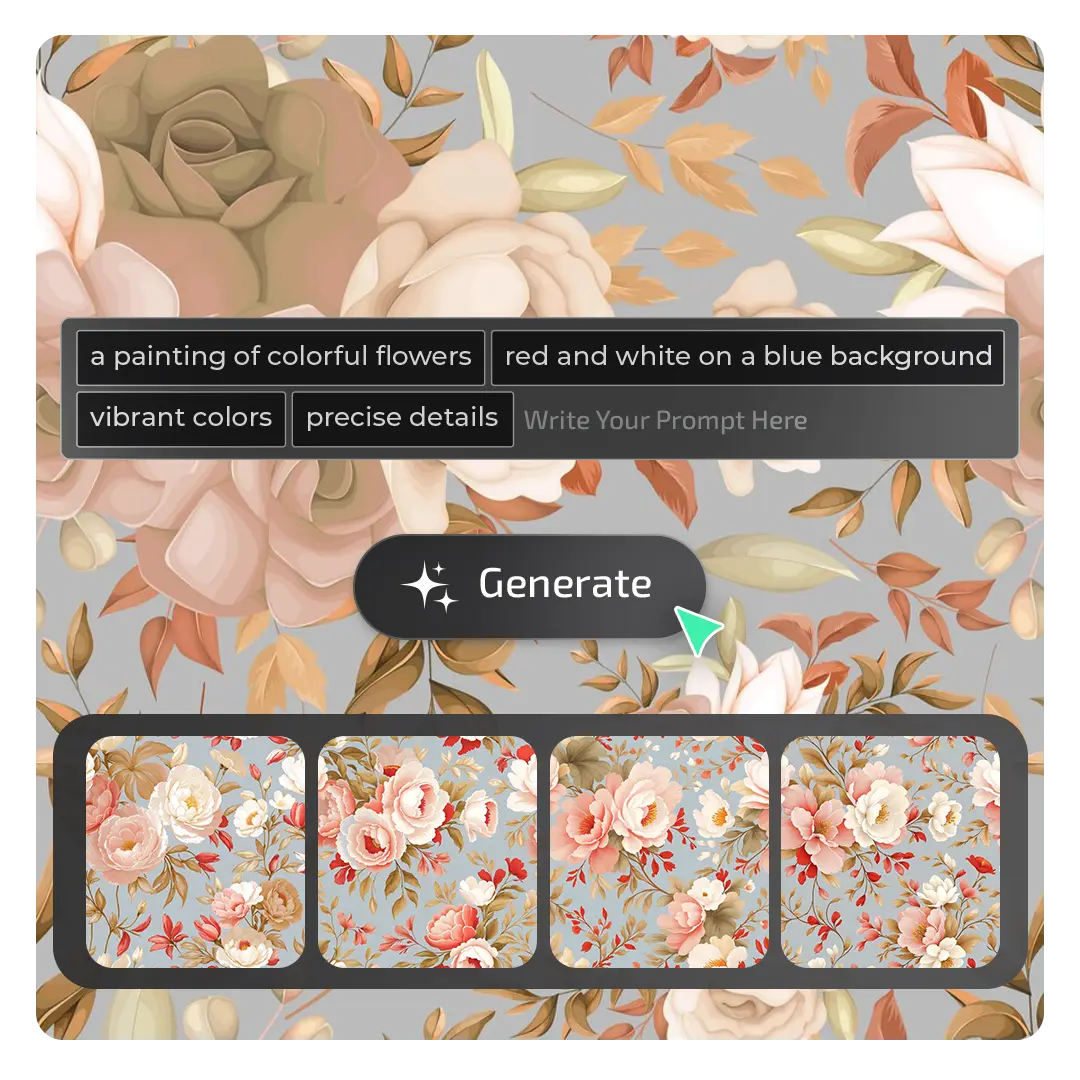
Pattern Extractor is an AI powered design tool that transforms your written prompts into seamless, rapport ready textile patterns in seconds. It allows designers to bring their ideas to life with professional quality and instant results.
What types of fabrics and environments can Pattern Extractor handle?
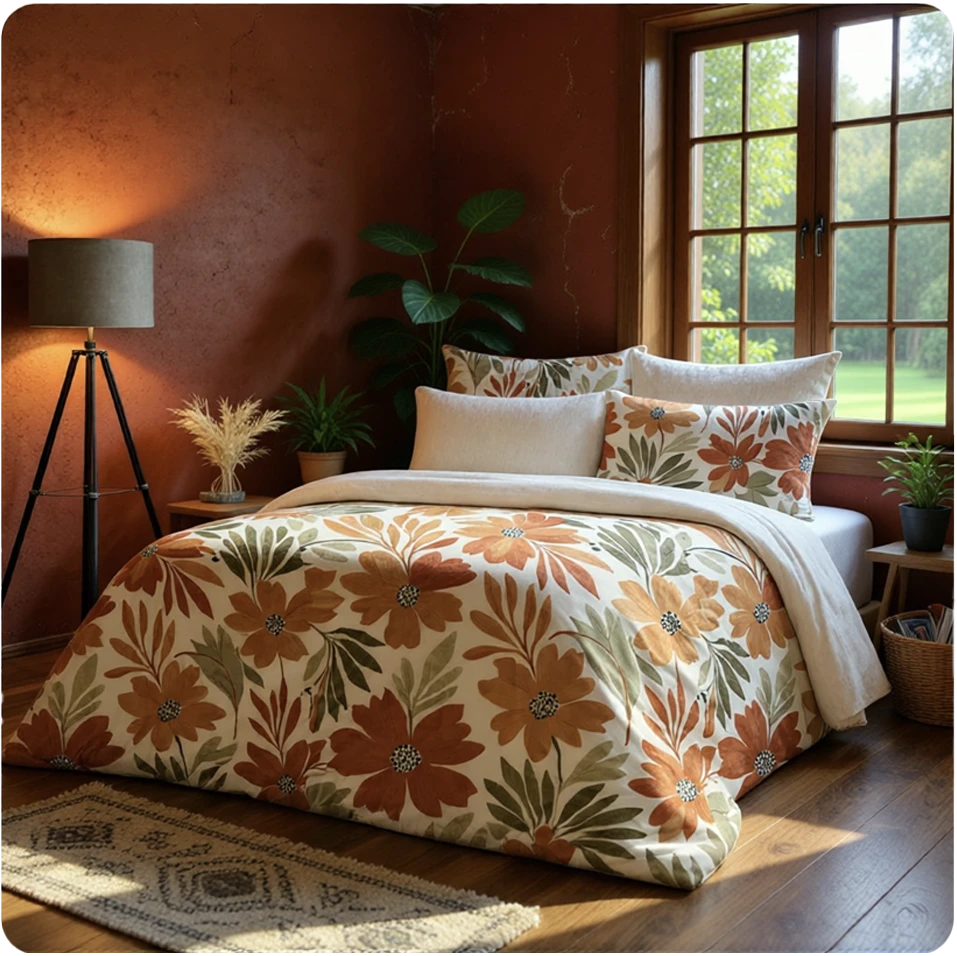
It works on clothing, bedding, curtains, pillows, and more — capturing fabric designs from any angle or setting including runways, bedrooms, and everyday scenes
Do I need special equipment like flatbed scanners to use it?
No, there is no need for flat scans or manual editing. Simply upload a photo from your phone or camera, and Pattern Extractor will do the rest automatically.
What file format and resolution does Pattern Extractor produce?
Pattern Extractor supports PNG, JPG, JPEG, WEBP, TIFF, and PSD files (up to 10MB for general files, 150MB for PSD/TIFF) and generates high-resolution, production-ready 1024×1024 PNG outputs ideal for textile design and manufacturing.