Transform Your Patterns with AI-Powered 2D Wear Design

Upload your design or use samples to generate instant, AI-powered wear design visuals.


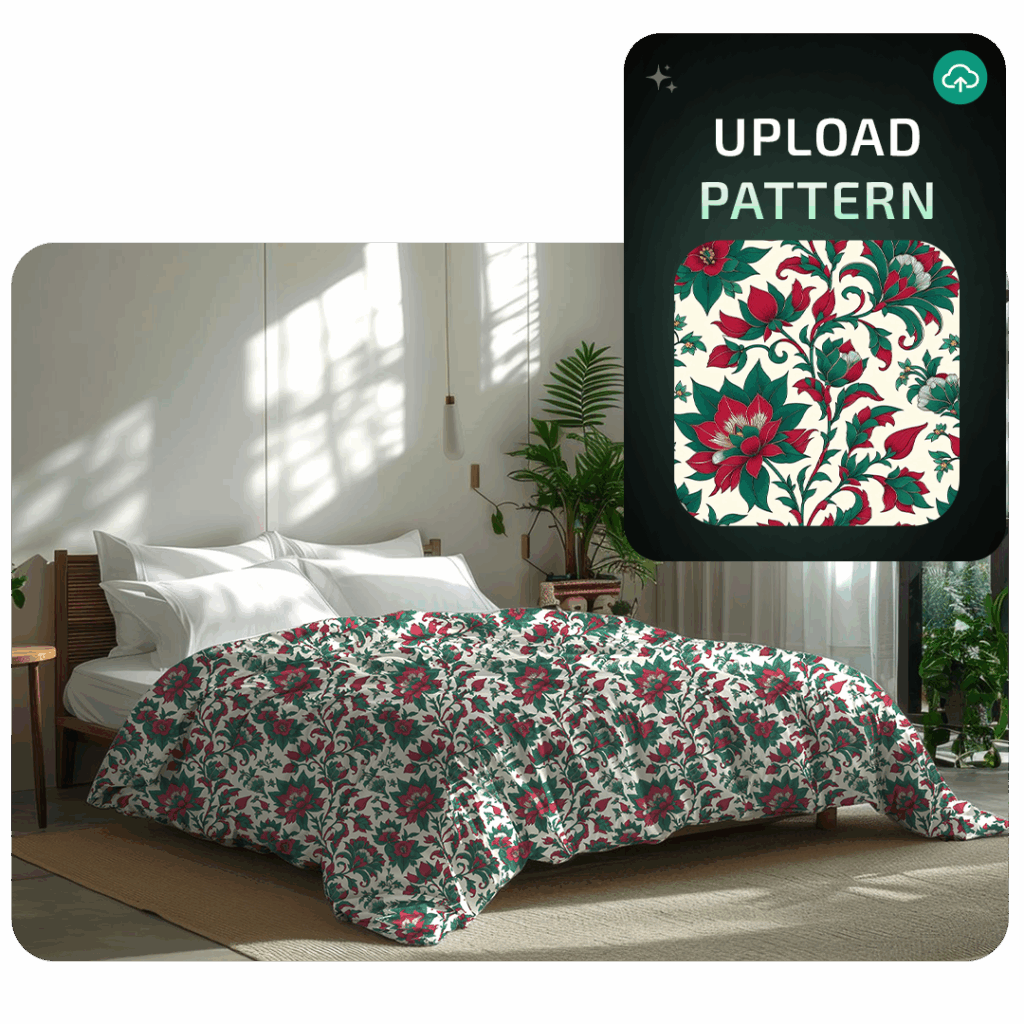
2D Wear Design Previews with AI

Create Fast and Intelligent

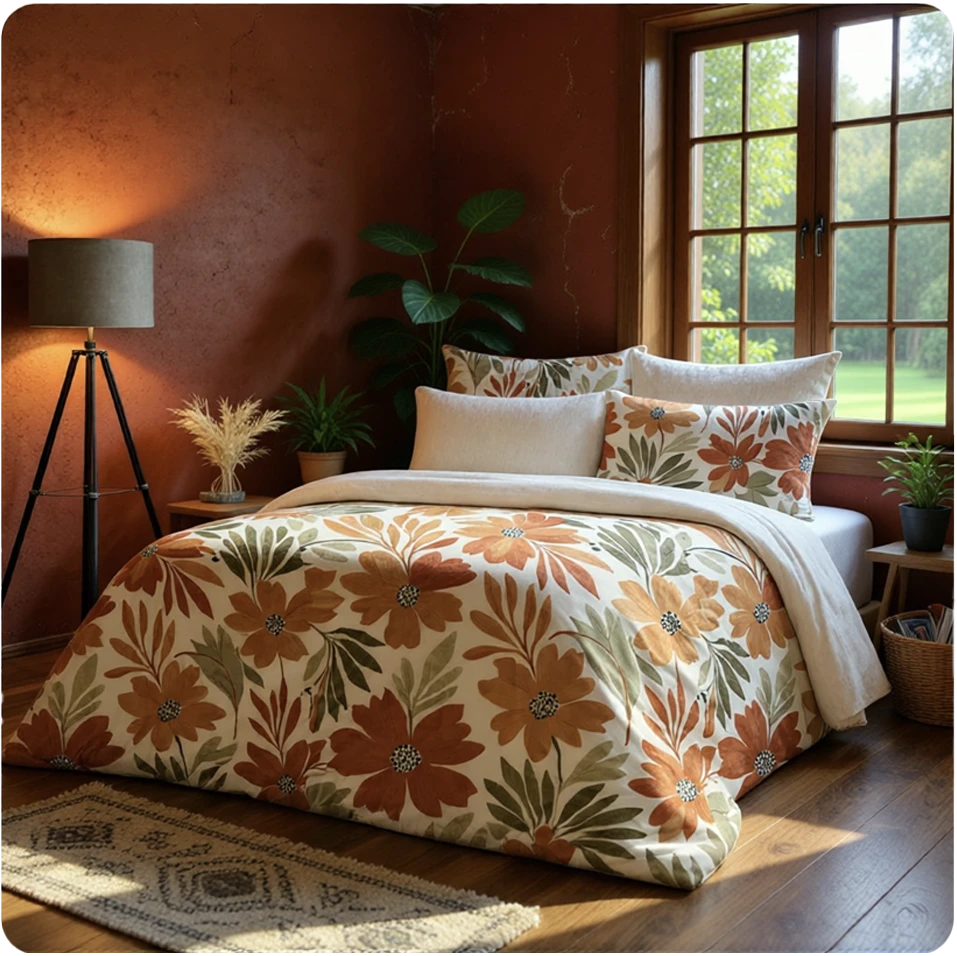
AI-powered 2D wear design preview showing a pattern applied to a digital model
CAPABILITIES

2D Wear Design

Virtual sampling and digital mockup tools enabling 2D garment visualization for presentation and client-ready design previews.

Uploading and Analyzing the Visual

Once you upload your visual, the AI automatically analyzes it. The “Generating embedding for image” process prepares your image for precise segmentation.

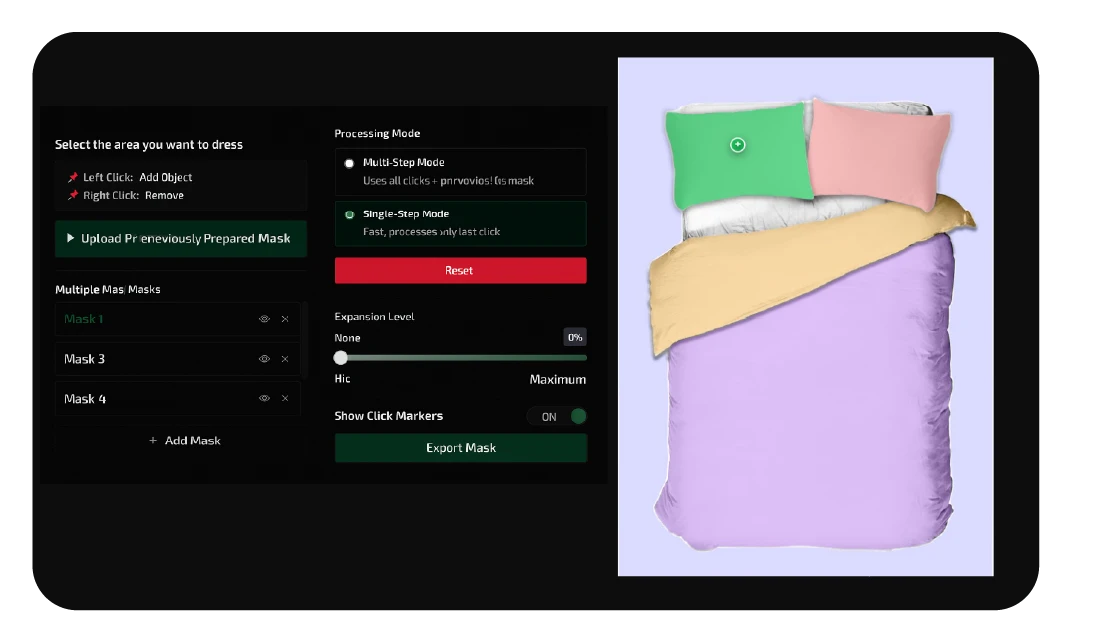
One-Click Wear Area Selection

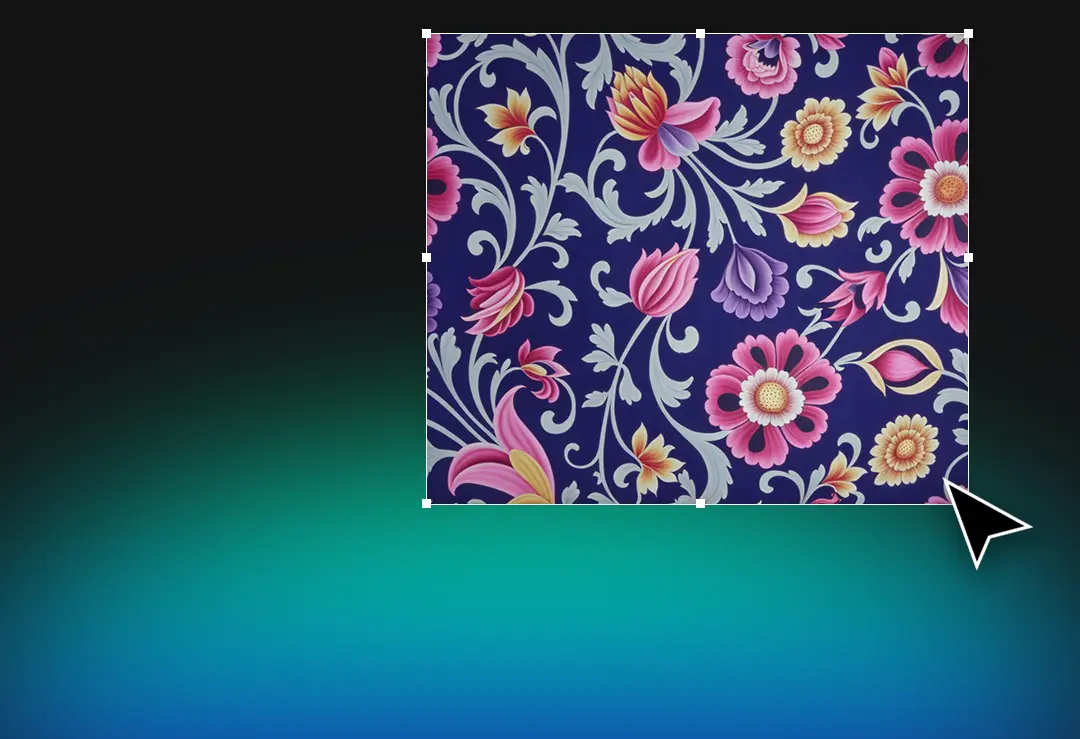
Define the wear design area with a single click; the system auto-detects the region, speeding up the process.

Manual Mask Editing

Create different masks for different areas and apply various patterns on the same model. After automatic masking, refine the details using brush and eraser tools for precise adjustments.

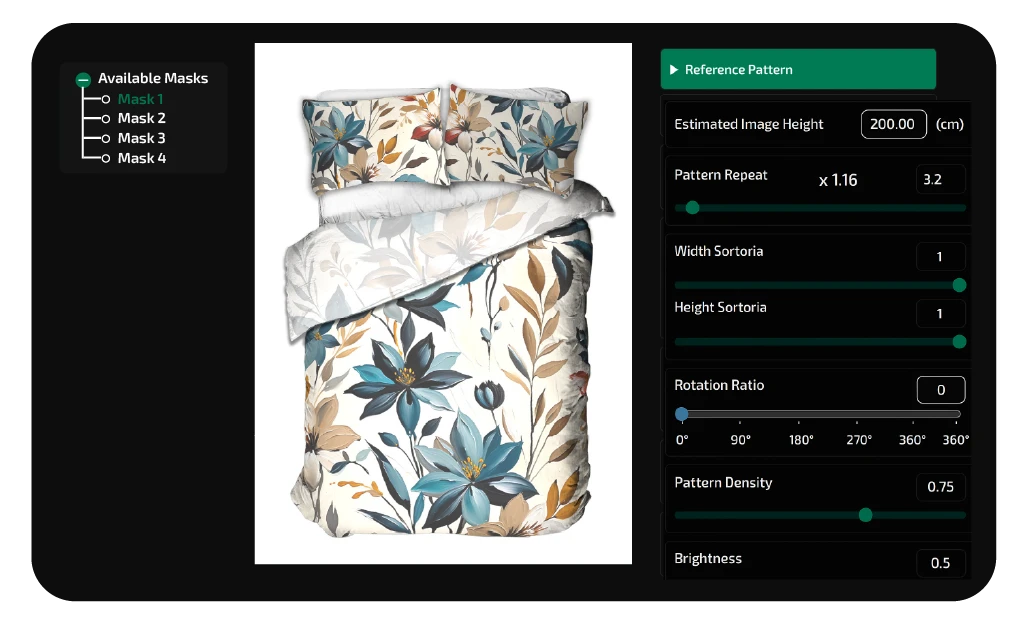
Wear Design and Pattern Adjustments

Adjust the angle, position, and scale of your pattern to perfectly fit the product. Optimize lighting and perspective to achieve realistic, production-ready results.

Access Professional Design Suite

EXAMPLE

AIT Textile AI
AIT Textile AI
Other Tools

The AIT Ecosystem

'2D Wear Design' Transforms Your Vision into Reality.

MARKET REACH

2,100+

ACTIVE CREATORS
NEURAL OUTPUT

750k+

PATTERNS GENERATED

Frequently Asked Question

Features you need to know to use the Text to Pattern tool effectively

Can I upload my own image and apply my pattern on it?
Yes, you have full flexibility. You can upload your own mockup image — whether it’s a photo, render, or sketch — and instantly apply your pattern. This gives you full creative control beyond the built-in templates
HWhat file formats can I upload?
You can upload PNG, JPG, JPEG, WEBP, TIFF, and PSD files. Standard files are limited to 10MB, while PSD and TIFF files can be up to 150MB.
Can I adjust the pattern position and lighting?
Absolutely. You can freely modify the scale, rotation, and brightness of your pattern. Advanced perspective and lighting controls ensure realistic visual fitting.
How do I mask the area in my uploaded image?
The AI automatically detects wear areas. You can refine or redefine masks manually using brush and eraser tools, or create multiple masks to apply different patterns on separate regions.

Blogs

Dijital Baskı Sistemileri

Have an “AI” Project?

 
Let us become your start-up’s solution partner with our cutting-edge technology and our unique fiber infrastructure tailored to your company’s needs!
AIT AI Tools
Privacy Overview

This website uses cookies so that we can provide you with the best user experience possible. Cookie information is stored in your browser and performs functions such as recognising you when you return to our website and helping our team to understand which sections of the website you find most interesting and useful.