Turn Patterns into Ideas with AI MOODBOARD

Upload your pattern references, describe your creative direction, and generate structured textile moodboards in seconds.

AI MOODBOARD

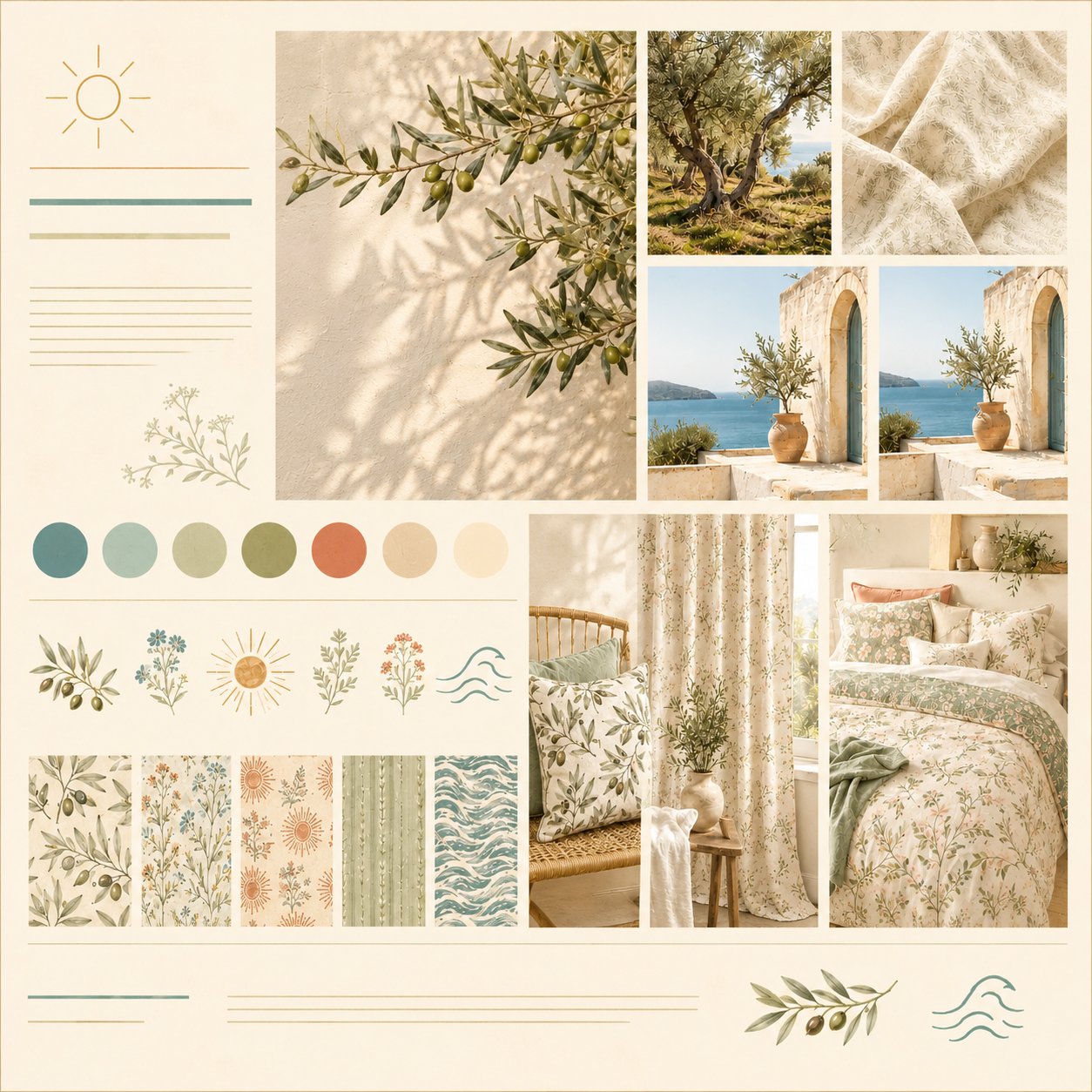
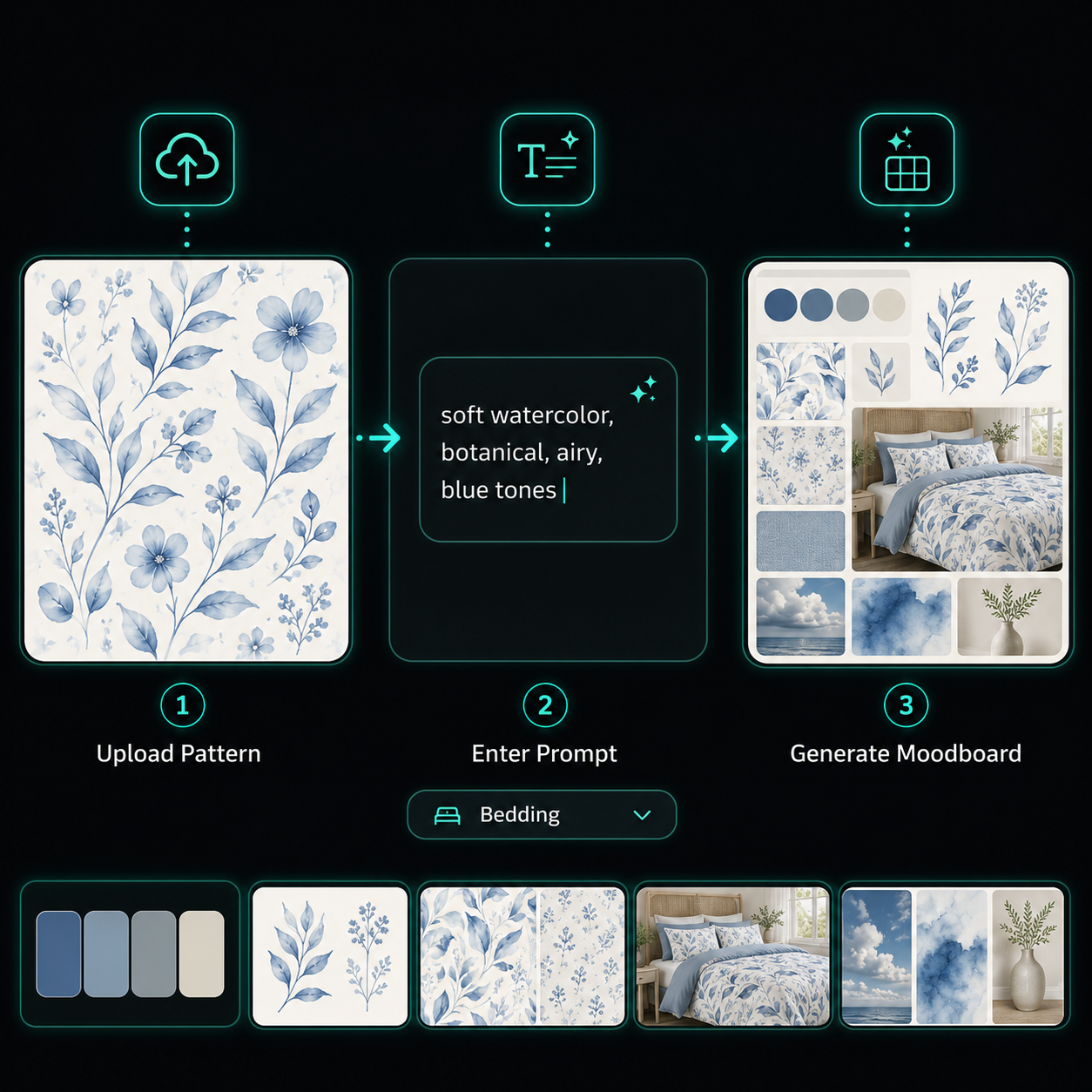
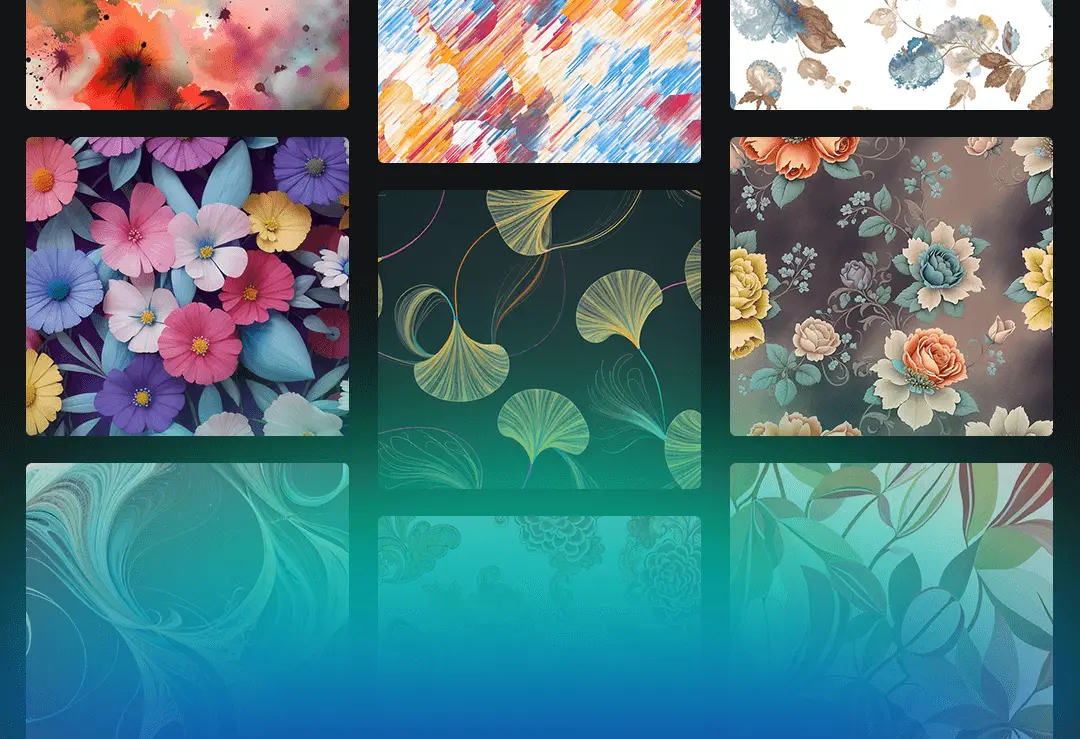
Turn your pattern references into structured textile moodboards. Upload your designs, describe your creative direction and generate a complete visual concept with color palettes, motifs, pattern variations and product applications.

01

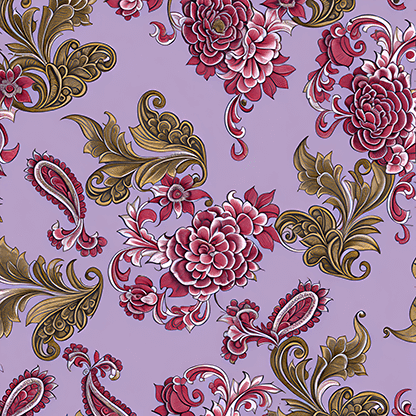
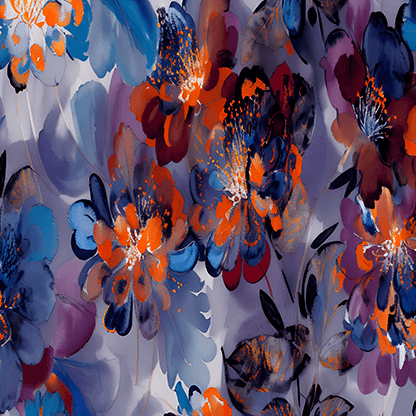
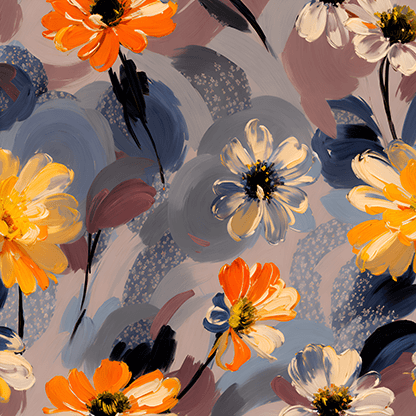
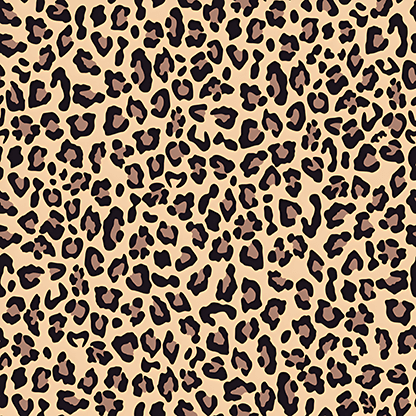
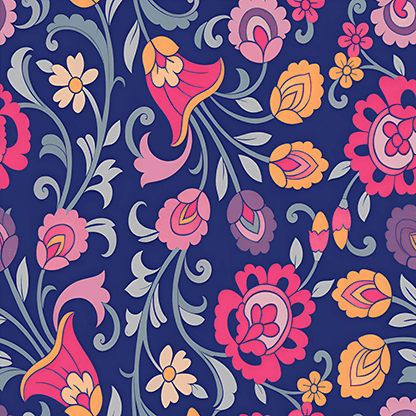
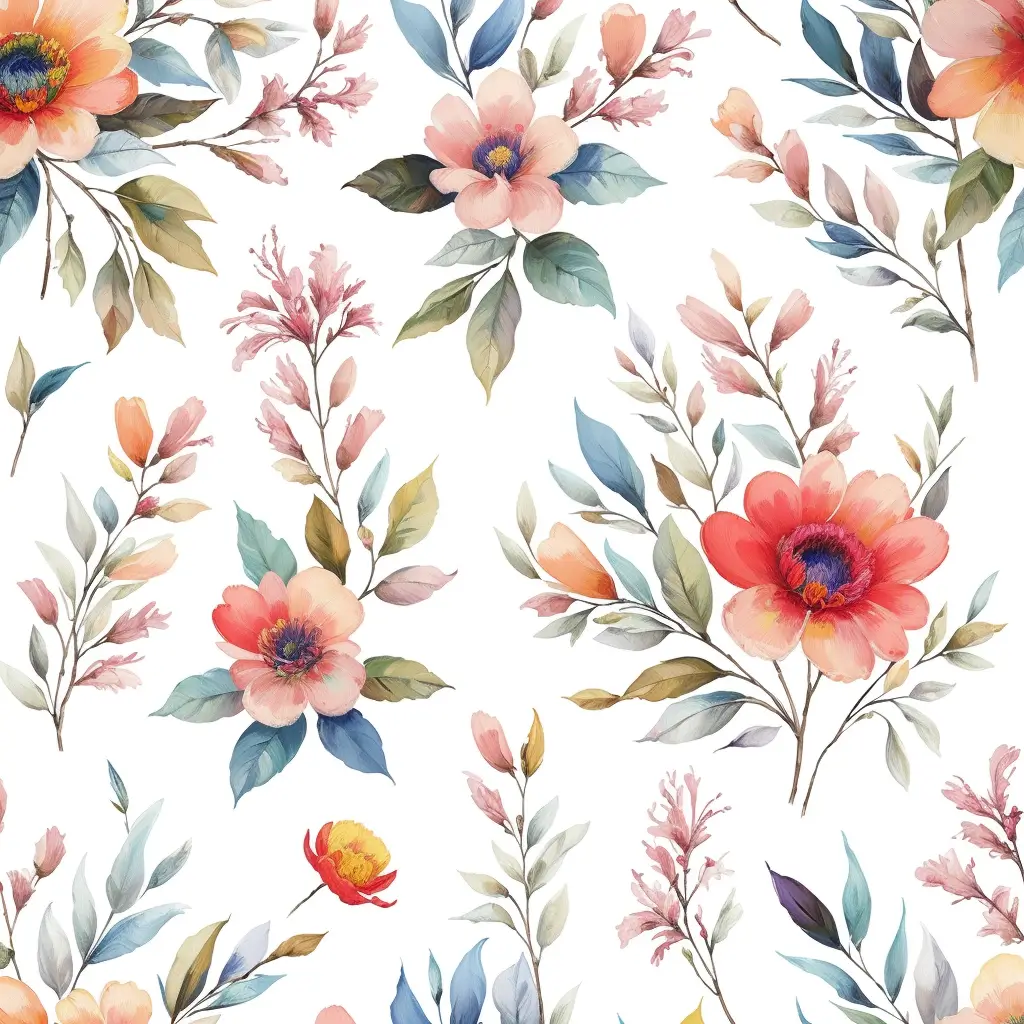
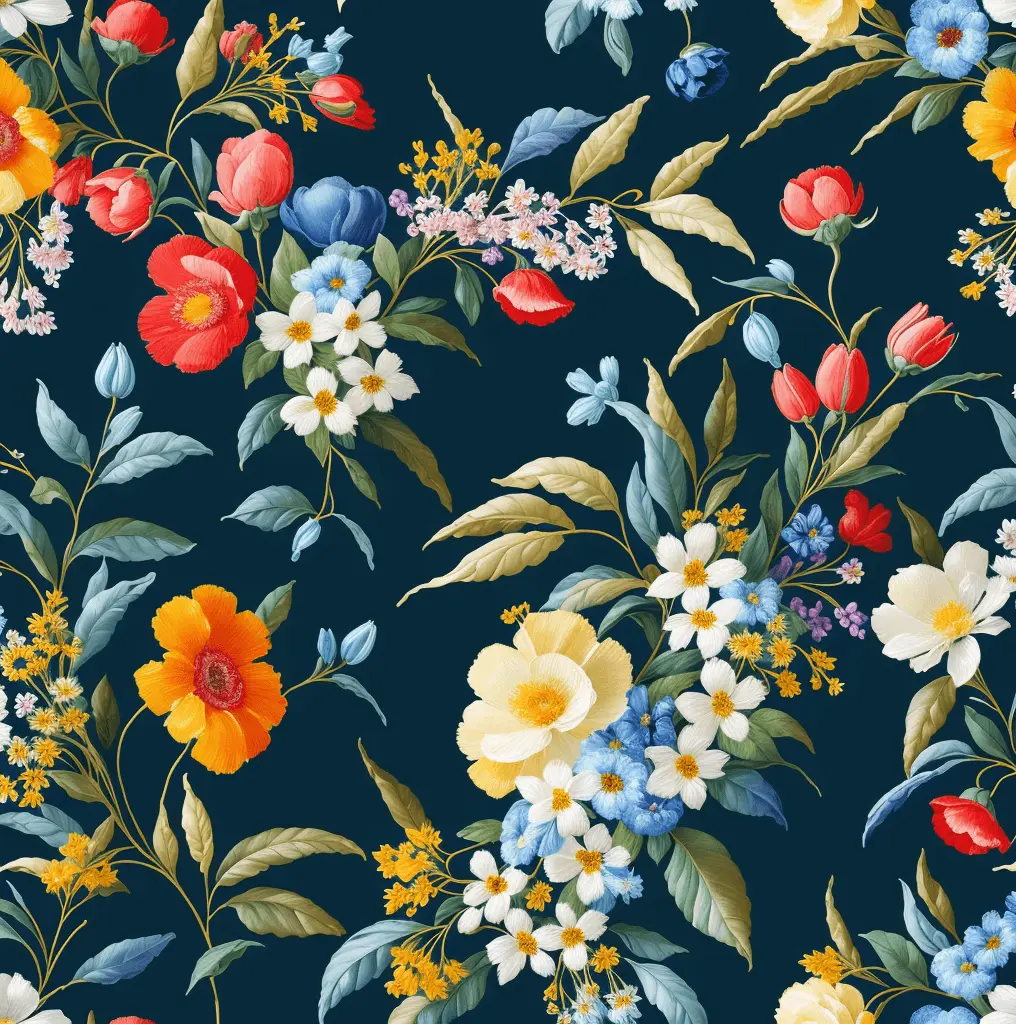
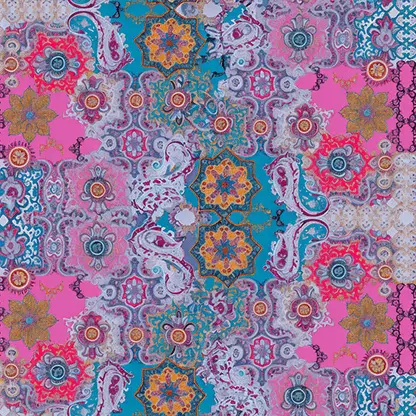
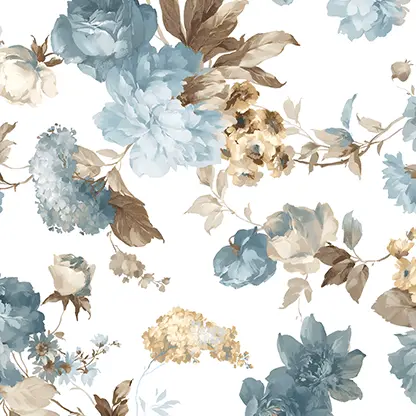
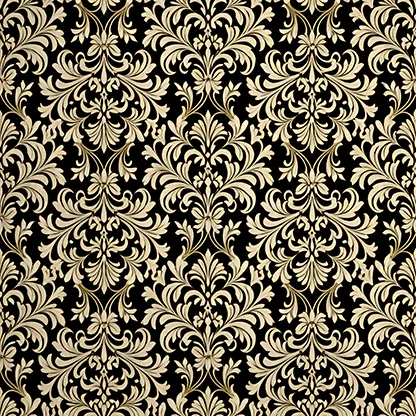
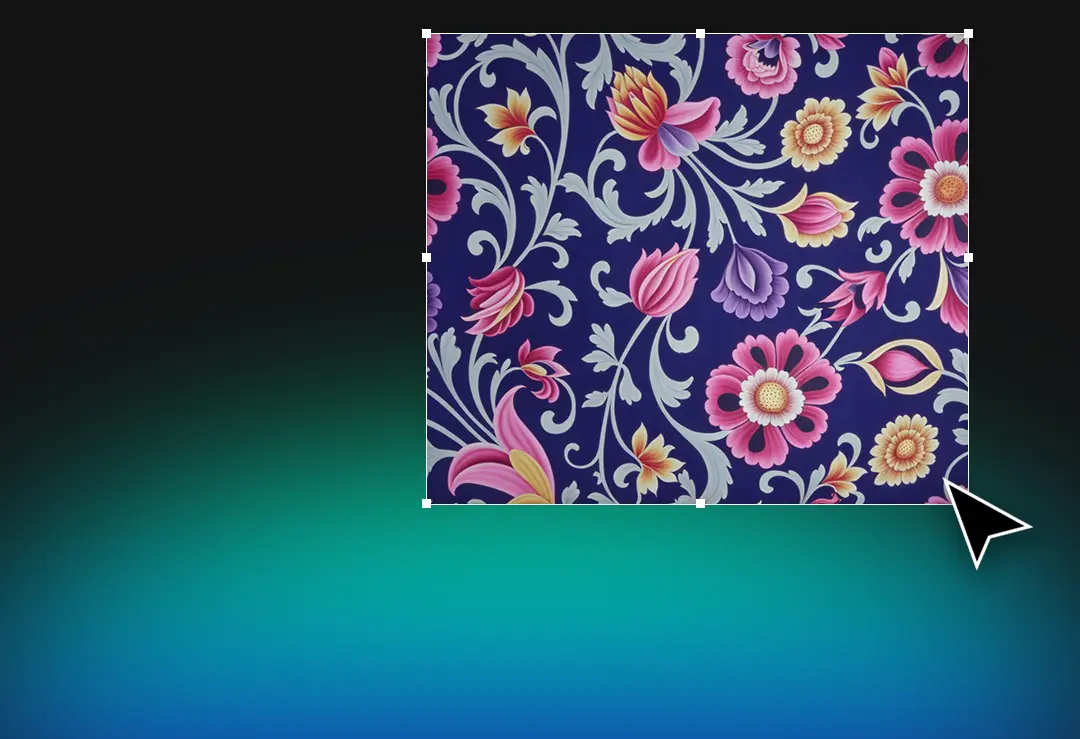
Upload up to six pattern references to define your visual direction.

02

Describe the atmosphere, colors and creative style with a simple prompt.

03

Select your textile group and generate product-focused design concepts.

04

Export your completed moodboard as a presentation-ready PDF.

Create Your Textile Moodboard
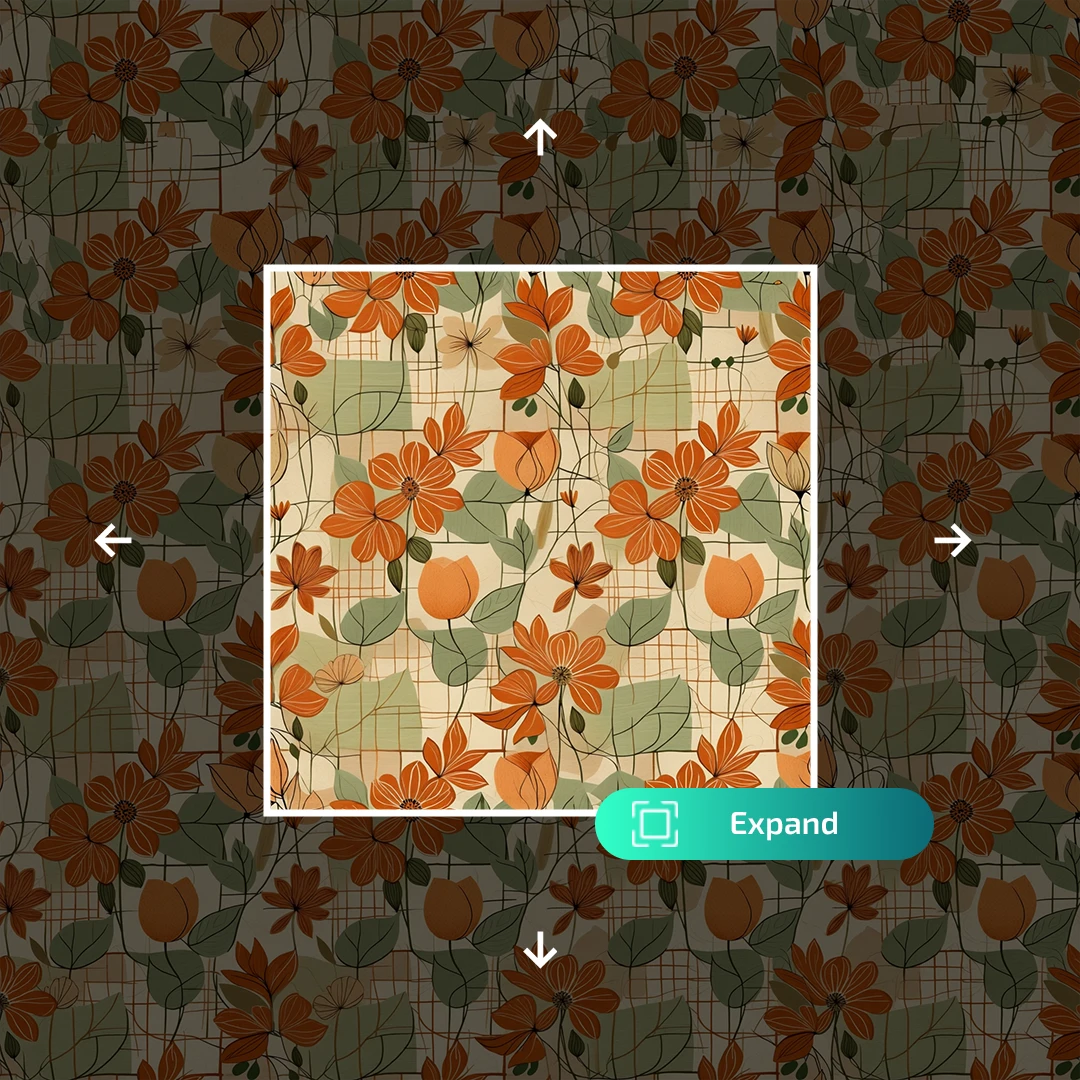
AIT AI Tools Colorway same pattern new palette example
Other Tools

The AIT Ecosystem

Explore Wear Design Features

CREATIVE ECOSYSTEM

2,750+

AI USERS
AI PRODUCTION

750K+

AI OPERATIONS
AI MOODBOARD

Frequently Asked Questions

Everything you need to know about transforming pattern references into structured textile moodboards.

How does the AI Moodboard tool work?
Upload your pattern references, describe the desired atmosphere and creative direction with a prompt, then select the relevant textile group and products. AI Moodboard organizes these inputs into a complete visual concept.
How many reference patterns can I upload?
You can upload up to six reference images in a single moodboard project. Using multiple references helps the system understand recurring colors, motifs, textures and visual characteristics more accurately.
What does the generated moodboard include?
Depending on your prompt and textile category, the moodboard can include dominant color palettes, motifs, pattern variations, visual inspirations and product-focused application examples.
Can I choose a specific textile group or product?
Yes. You can select categories such as home textiles, bedding, upholstery, rugs, womenswear, menswear, childrenswear and outdoor textiles. You can also enter a custom textile group for more specialized projects.
Can I export the finished moodboard?
Yes. Completed moodboards can be exported as PDF files, making them suitable for presentations, collection planning, customer meetings and internal design workflows.
Does generating a moodboard remove copyright restrictions?
No. The tool supports creative research and concept development, but uploaded references should still be used in accordance with their licenses and intellectual property rights. The generated board should guide the creation of new and original designs.

Easily report your patterns in seconds

Blogs

AIT AI Tools
Privacy Overview

This website uses cookies so that we can provide you with the best user experience possible. Cookie information is stored in your browser and performs functions such as recognising you when you return to our website and helping our team to understand which sections of the website you find most interesting and useful.