How to Create Effective Prompts for AI-Powered Textile Design Tools
A strong AI textile prompt is not a command. It is a clear creative direction. When you use AIT AI Tools, the quality of your result depends on how well you describe the pattern concept, motif structure, color palette, texture, style and intended textile feeling.
Tools like Text to Pattern and Imagine are built for textile-focused creation. That means your prompt should speak the language of fabric design: floral density, repeat feeling, surface texture, color harmony, print technique, motif scale and collection mood.
Write Visual Descriptions, Not Simple Commands
Generic instructions usually create generic results. Instead of asking the AI to “make it blue” or “add flowers,” describe what the final textile surface should look and feel like. A good prompt gives the AI a visual scene, a design language and a clear direction.
“Make the pattern have blue flowers.”
“Add stripes to this design.”
“A soft botanical textile pattern with medium-scale blue wildflowers, delicate green stems, airy spacing and a calm spring collection mood.”
“Modern stripe-inspired fabric surface with hand-drawn lines, subtle irregular rhythm, muted navy tones and a clean contemporary look.”
Describe One Pattern Concept at a Time
Trying to include several unrelated ideas in one prompt can make the result visually confusing. A textile collection can have many directions, but each prompt should focus on one clear surface idea.
For example, instead of combining polka dots, tropical leaves, geometric shapes, watercolor flowers and metallic effects in the same sentence, create separate prompts for each design direction. This gives you cleaner outputs and makes it easier to compare alternatives.
“Create a textile pattern with polka dots, roses, tropical leaves, triangles, brush strokes, vintage colors and metallic texture.”
“Romantic floral textile pattern with scattered roses, soft green leaves, warm pastel tones and a vintage fabric feeling.”
“Geometric textile pattern with layered triangles, clean alignment, sharp edges and muted earth tones.”
Use Textile Terms for Texture, Surface and Depth
AIT AI Tools is designed for textile workflows, so textile-specific words can help you guide the result more accurately. Describe the surface quality you want: smooth, woven, embroidered, grainy, painterly, hand-drawn, washed, layered, embossed or jacquard-inspired.
Texture terms help the AI understand whether your pattern should feel flat and graphic, soft and watercolor-like, tactile and woven, or detailed and ornamental.
“Minimal geometric textile pattern with woven surface texture, interlocking line details, soft mint background and subtle hand-crafted depth.”
Tailor the Prompt to the Textile Style You Want
Different textile styles need different prompt structures. Before writing, decide the design family first: floral, geometric, abstract, ethnic, minimal, watercolor, vintage, bohemian, modern or luxury-inspired.
- Floral patterns: Mention flower type, motif scale, spacing, leaf structure, color mood and background feeling.
- Geometric patterns: Mention shapes, symmetry, rhythm, alignment, line weight and contrast.
- Abstract patterns: Mention flow, movement, brush effect, gradient, energy and surface depth.
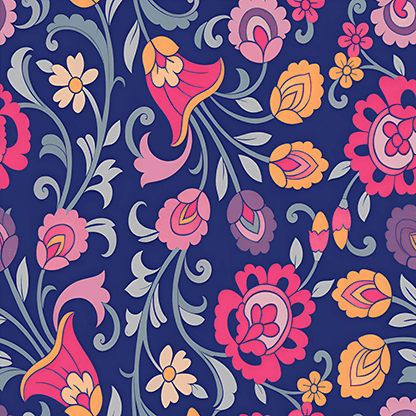
- Ethnic or ornamental patterns: Mention motif repetition, border feeling, decorative density, color harmony and cultural inspiration without copying protected artwork.
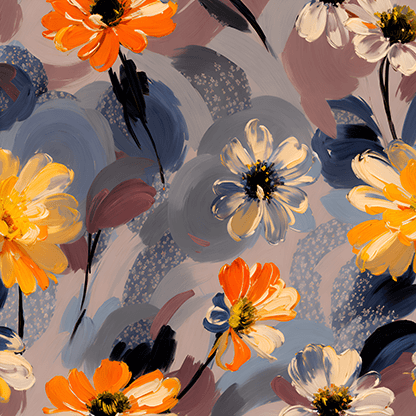
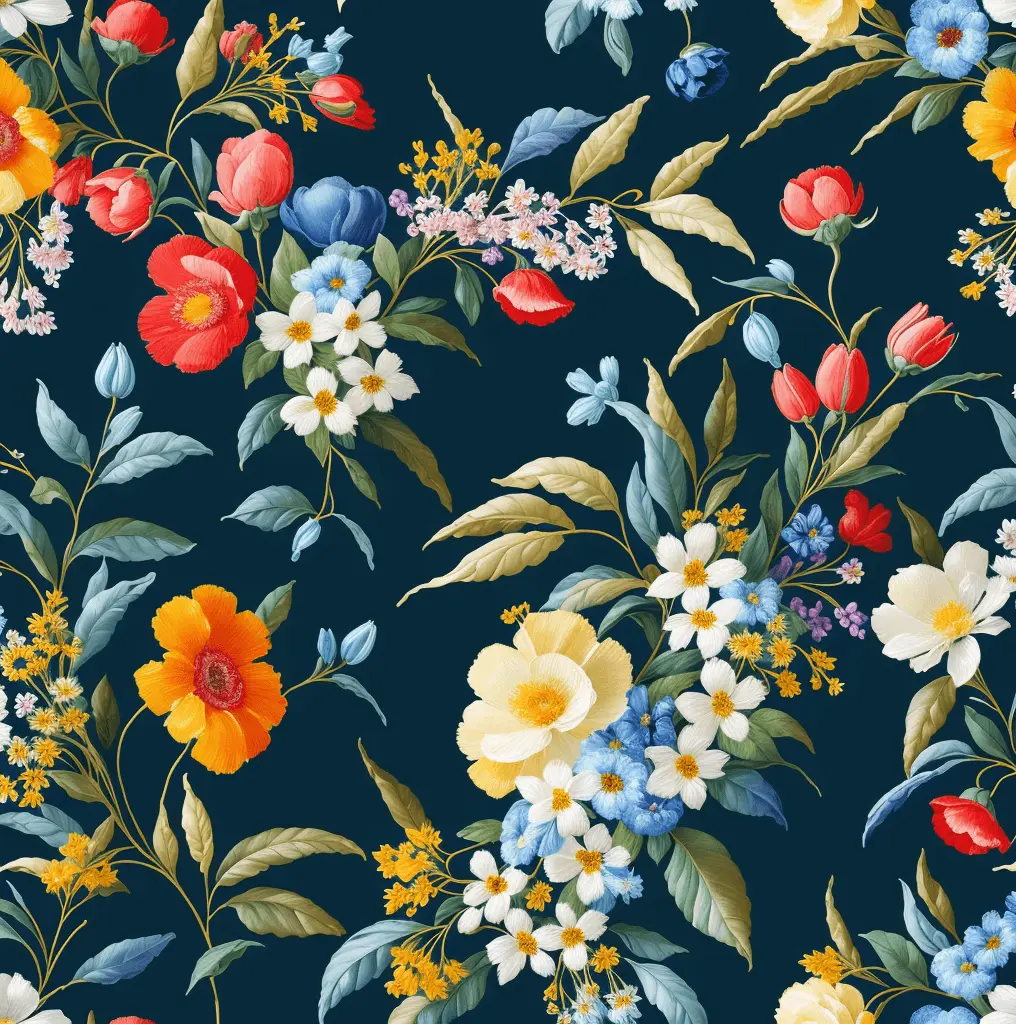
“Dense floral textile pattern with roses and daisies, lush green leaves, warm sunlight tones and a romantic summer dress feeling.”
“Symmetrical geometric fabric pattern with alternating hexagons and circles, clean spacing, muted terracotta and beige palette.”
“Abstract textile surface with fluid brush movement, layered smoke-like forms, soft gradients and a dynamic modern collection mood.”
Use Color and Style Modifiers for Better Control
Color is one of the most important parts of textile design. Instead of writing only “colorful” or “dark,” define the palette more clearly. Mention color temperature, contrast level and the emotional mood of the design.
- Color modifiers: pastel, muted, earthy, vibrant, monochrome, high contrast, soft neutral, jewel tones.
- Style modifiers: modern, vintage, minimal, painterly, bohemian, elegant, playful, premium, hand-drawn.
- Surface modifiers: smooth, grainy, layered, embroidered, woven, watercolor, ink-wash, embossed.
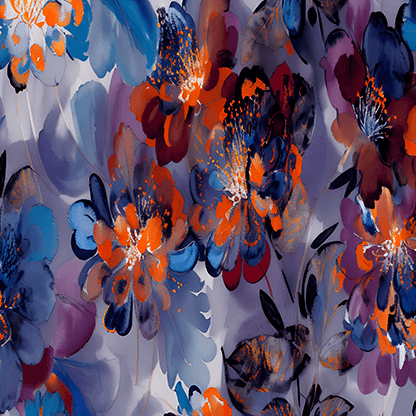
“Floral textile pattern with pastel pinks and lavender, soft watercolor petals, airy composition and a gentle feminine style.”
“Modern geometric textile pattern with sharp black lines, warm beige background, bold contrast and a clean premium look.”
Use Negative Prompts Carefully
Negative prompts can help you tell the AI what to avoid, but they should not become longer than the main prompt. Use them only for details that may damage the result, such as unwanted colors, messy backgrounds, excessive contrast or irrelevant objects.
For textile design, negative prompts are most useful when you want a cleaner surface, a more elegant layout or a specific collection mood.
“Avoid harsh neon colors, crowded composition, sharp dark shadows and realistic photography.”
“Exclude busy backgrounds, oversized motifs, broken edges and excessive contrast.”
Use negative prompts as precision tools, not as a second full brief. A clear main prompt is always more important than a long list of exclusions.
Prioritize Texture and Surface Keywords for Realism
If your design should feel suitable for fabric, add surface-related keywords. Words like smooth, soft, woven, grainy, washed, embroidered or hand-painted can make the output feel more textile-oriented.
“Handwoven-inspired textile pattern with grainy surface texture, imperfect line details, soft natural colors and a calm artisanal mood.”
“Minimal fabric design with smooth surface, clean lines, balanced negative space and a modern interior textile feeling.”
Avoid Over-Complicating Your Prompts
A longer prompt is not always a better prompt. The best prompts are specific but still focused. Start with the core concept, then add only the details that truly matter: motif, color, style, texture and intended use.
“Geometric pattern with hexagons, triangles, dots, stripes, floral leaves, watercolor stains, denim texture, metallic lines, neon colors and vintage background.”
“Geometric textile pattern with alternating hexagons and fine stripes, smooth surface, muted blue palette and balanced modern rhythm.”
Once you get a strong first result, improve it step by step. You can create variations, adjust the direction, use editing tools, expand the design or prepare the selected pattern for production with AIT’s additional textile tools.
Prompt Formula for AI Textile Design
A practical prompt structure can help you get more consistent results. Use this simple formula when creating pattern ideas with AIT AI Tools:
Pattern type + motif + color palette + texture + style + textile use
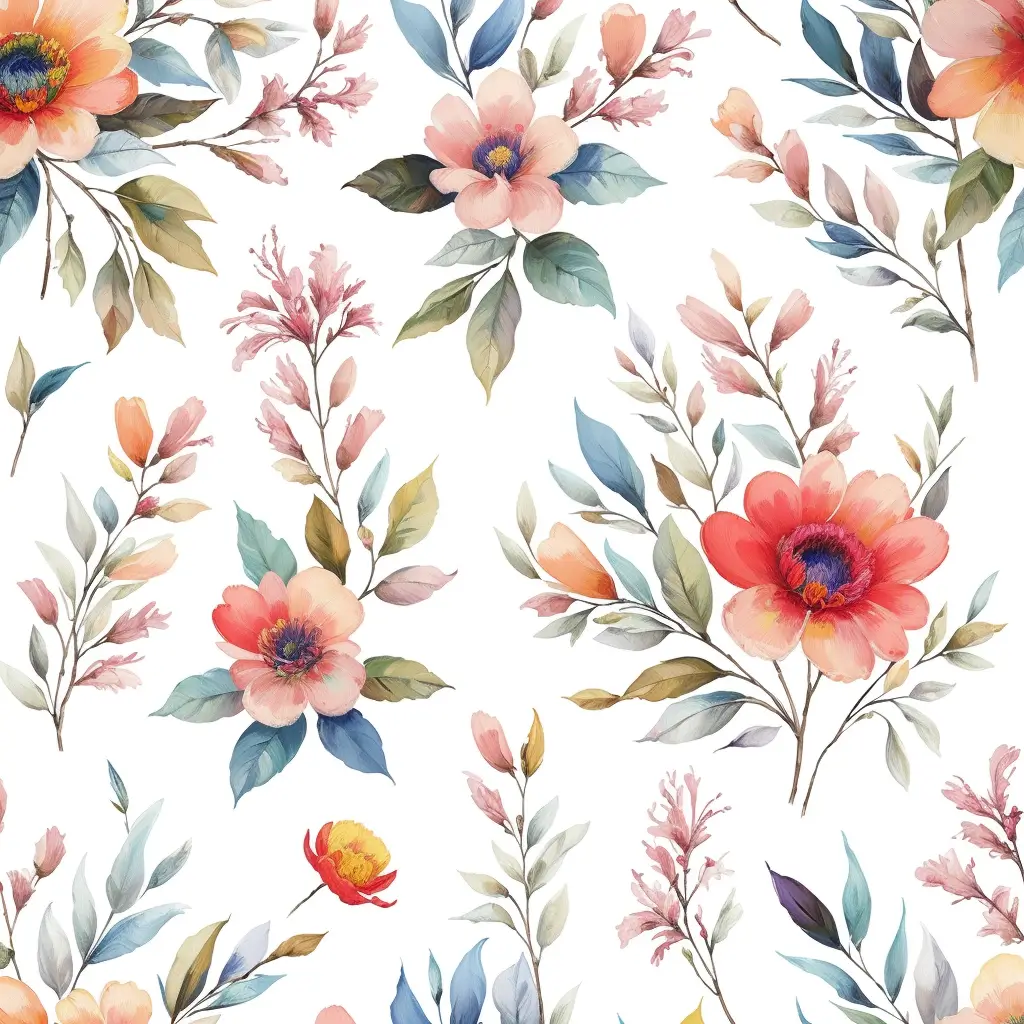
“Medium-scale floral textile pattern with peonies and small wildflowers, dusty pink and sage green palette, soft watercolor texture, romantic vintage style, suitable for summer dress fabric.”
After the Prompt: Refine the Result with AIT AI Tools
Prompting is only the first step. After generating a design, you can continue the workflow inside the AIT AI Tools ecosystem. Use Colorway to adapt the design to a different palette, Expand to extend the composition, Inpainting & Editor to revise selected areas and Upscaler to improve resolution while preserving design details.
For production preparation, tools such as Repeater, Color Separation and Vectorizer help transform creative outputs into more usable textile files. For presentation, 2D/3D Wear Design and AI Mockup Generator can visualize the pattern on garments, home textile products or marketing compositions.
Key Takeaway: Better Prompts Create Better Textile Directions
Effective AI textile prompting is about clarity, control and textile language. Describe one idea at a time, define the motif and palette, add surface details, use negative prompts carefully and refine your results step by step. With AIT AI Tools, a well-written prompt can become the starting point for original textile patterns, stronger collection ideas and faster production-aware design workflows.
Turn Your Ideas into Reality with Imagine in Seconds