Color Separation

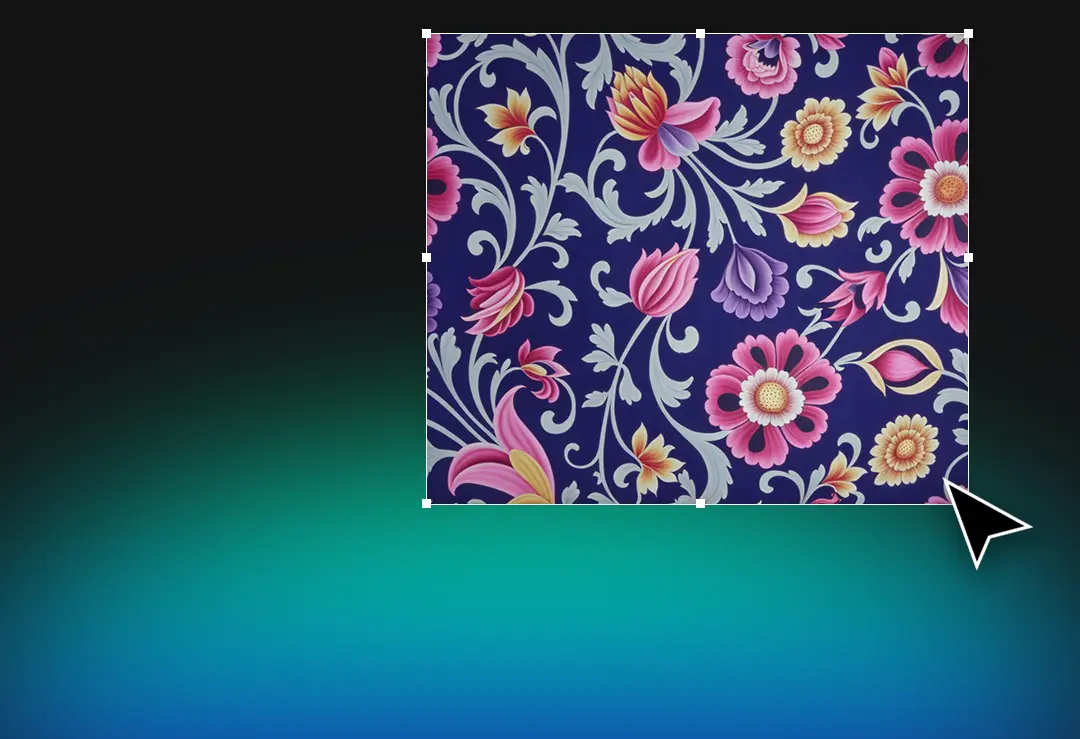
With Color Separation, separate your designs without pixel loss and achieve professional results for printing and collections.

Advanced Pixel Based Color Management

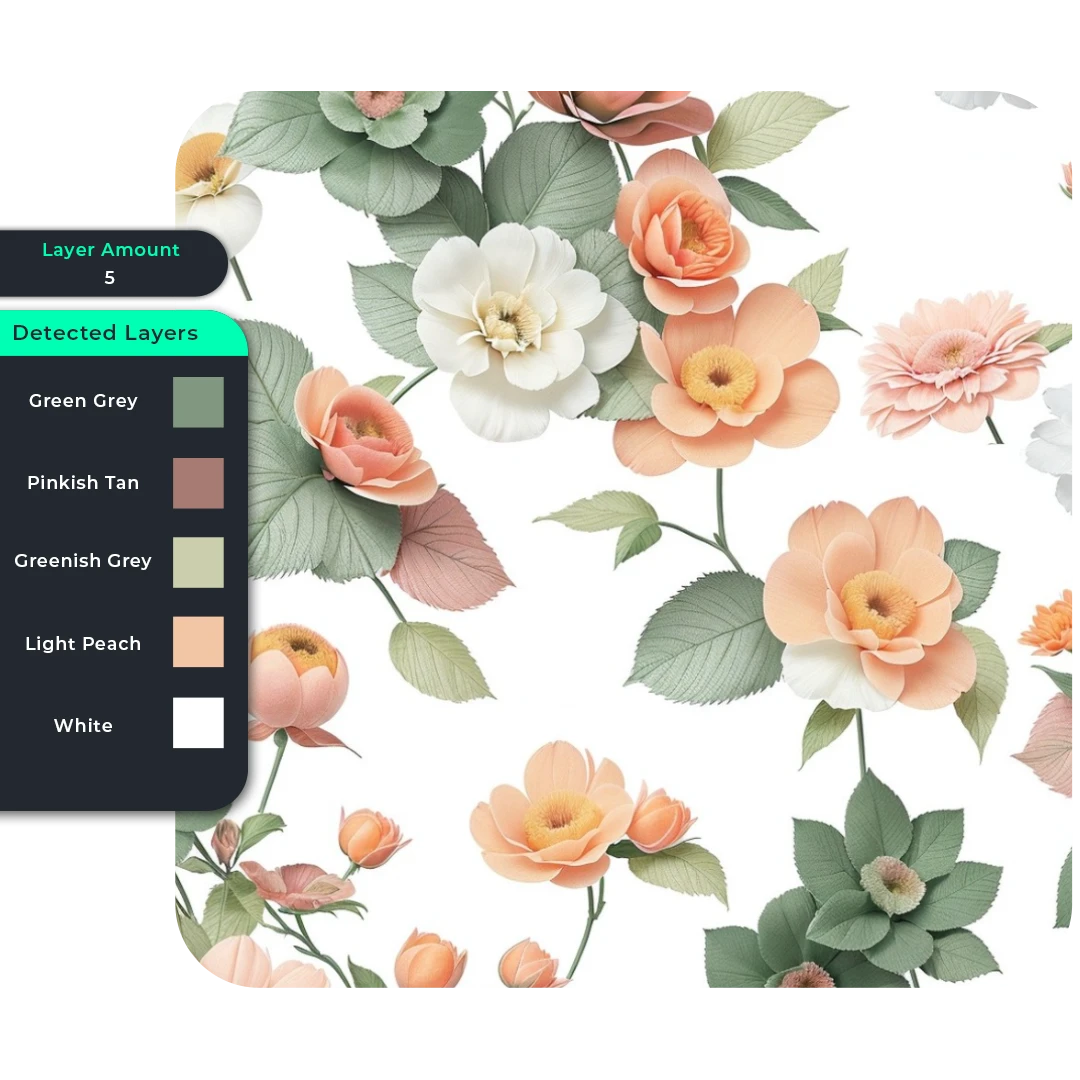
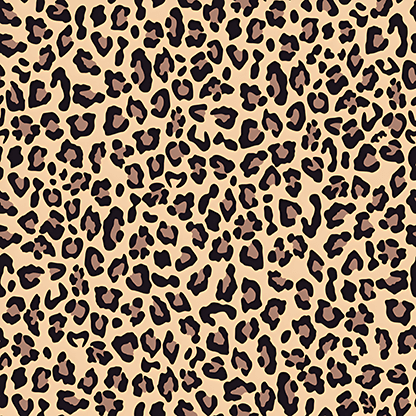
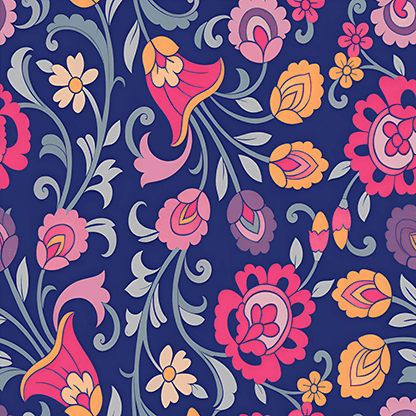
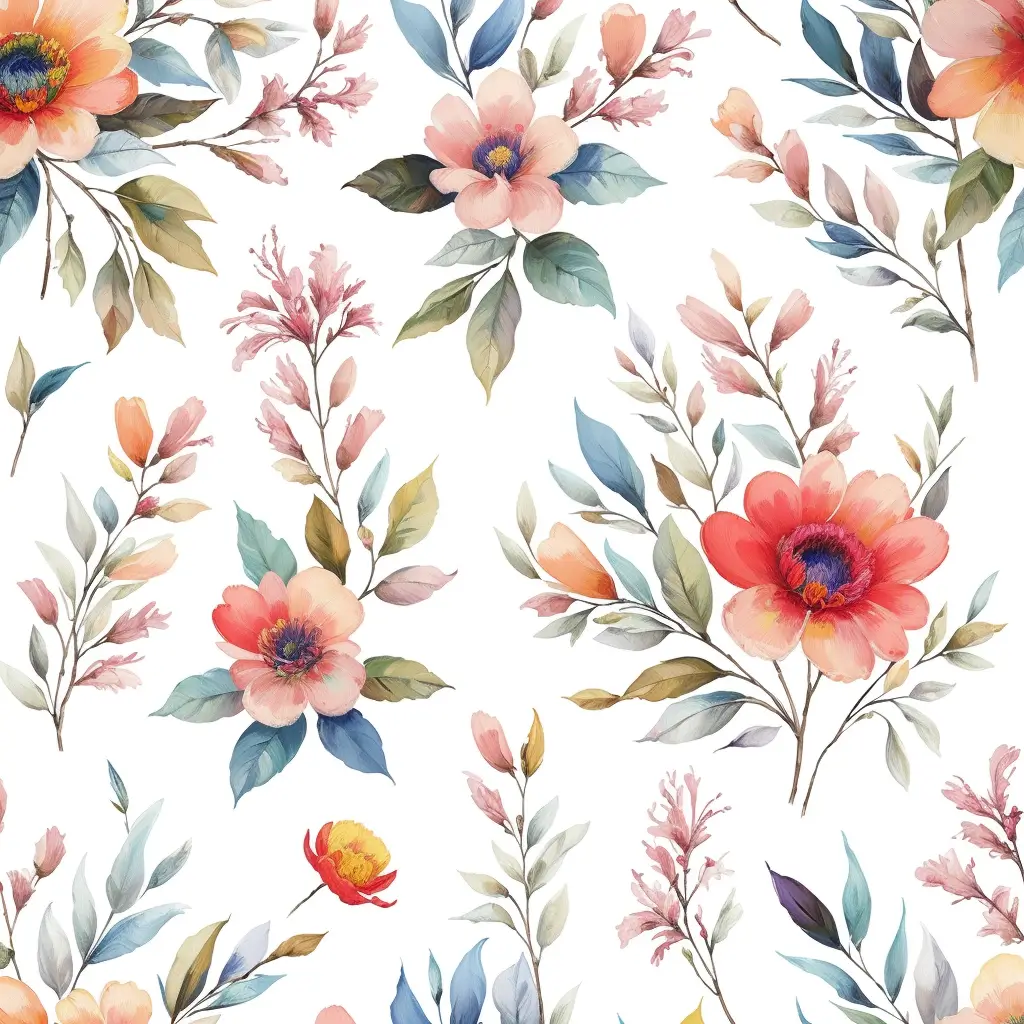
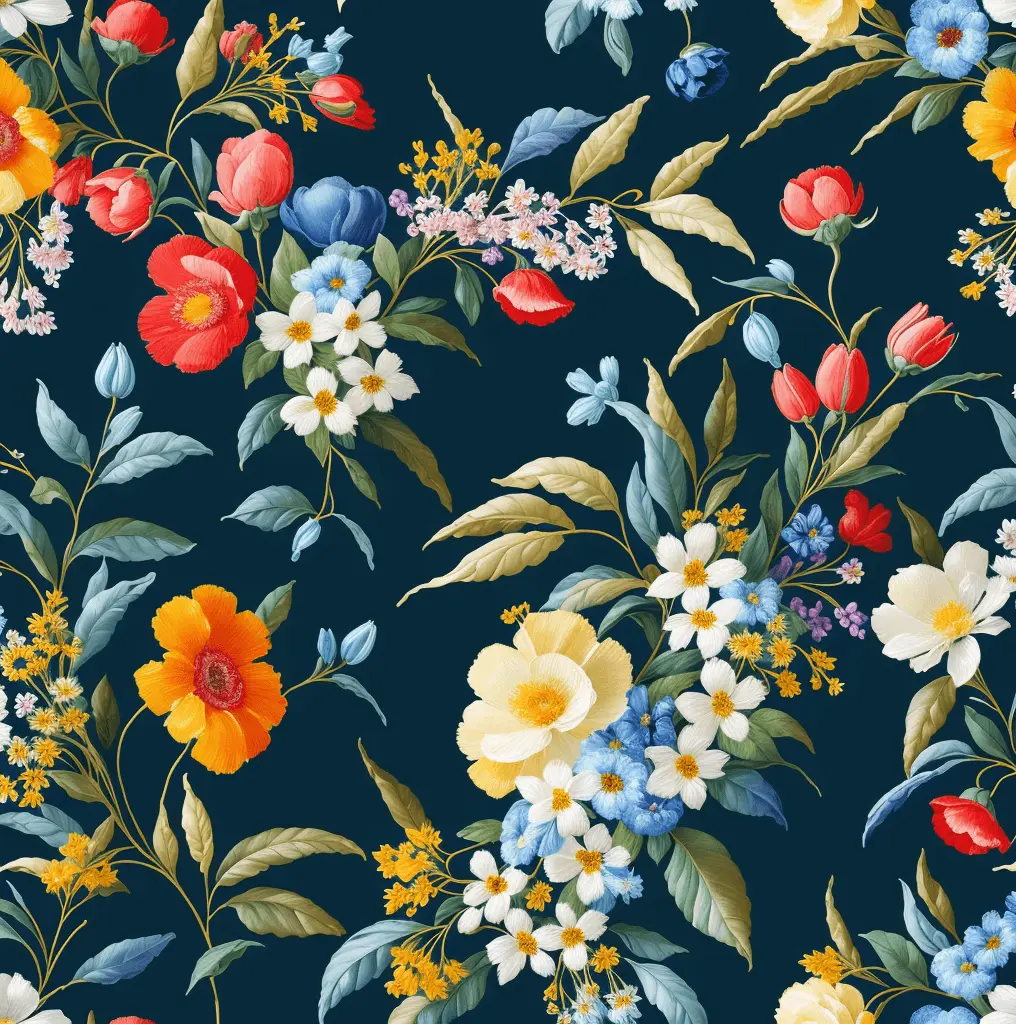
Color Separation makes it easy to split patterns into 32 colors in seconds. Export layered TIFF files that are print-ready and fully editable.

AI color separation software for accurate and layered textile printing
CAPABILITIES

COLOR SEPARATION

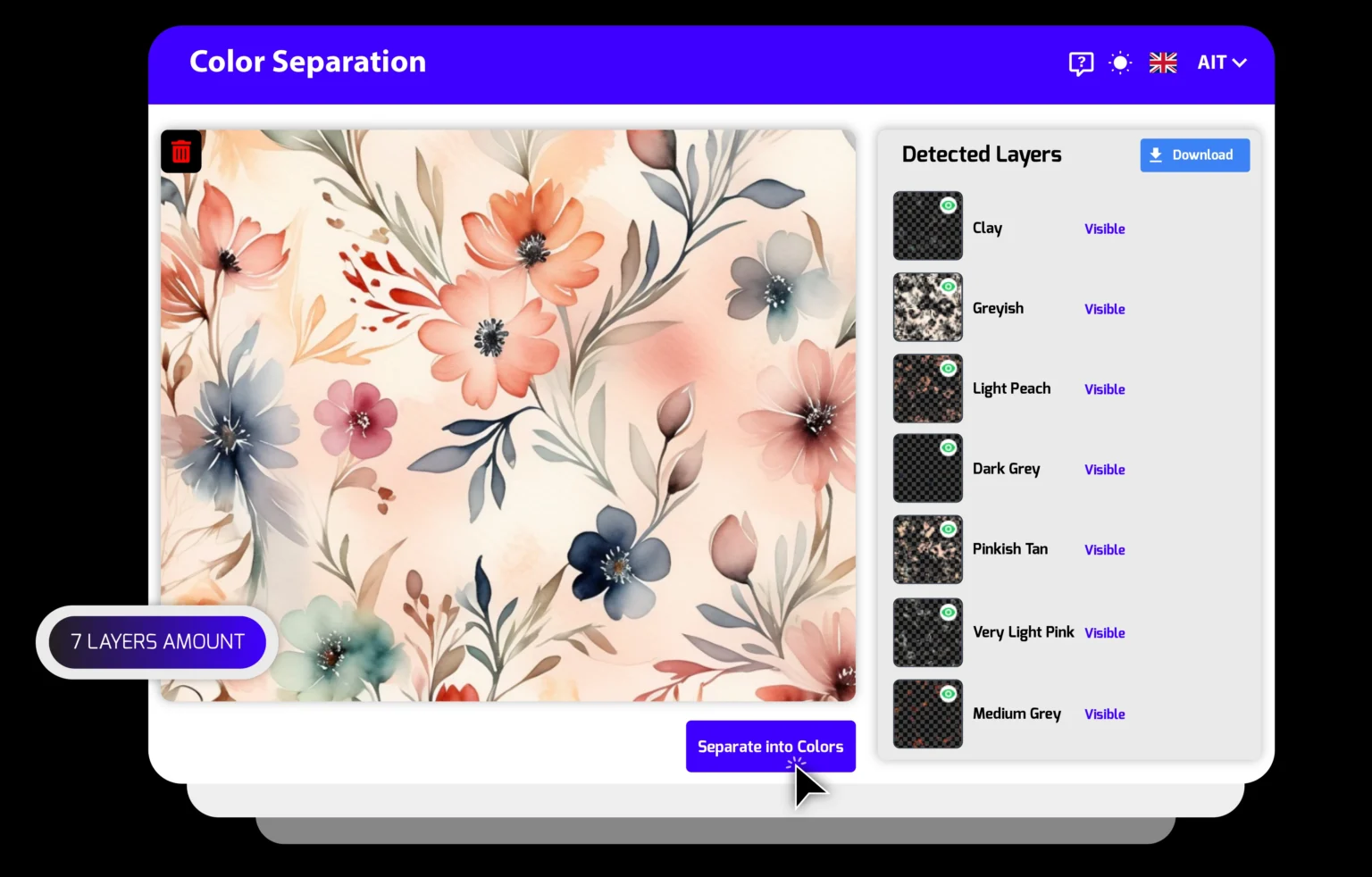
Separate your patterns into layers within seconds. Get layered TIFF outputs editable in Photoshop and be print-ready instantly.

32-Color Separation

Separates even complex patterns into clear, editable layers.

Pixel-Perfect Accuracy

Keeps gradients and textures smooth with precision.

Layered TIFF Output

Opens as layered TIFF; edit each color separately.

Wide File Support

Works with PNG, JPG, PSD, and TIFF up to 150MB.

Access Professional Design Suite
AI-powered color separation tool for textile design and printing
Other Tools

The AIT Ecosystem

Get Production Ready SVGs from Your Textile Patterns with Vectorizer

MARKET REACH

2,100+

ACTIVE CREATORS
NEURAL OUTPUT

750k+

PATTERNS GENERATED

Frequently Asked Question

Features you need to know to use the Color Separation tool effectively

Can I edit the separated colors afterward?
Yes, absolutely. With the Color Separation tool, your files are exported in layered TIFF format. This means each color is placed on a separate layer, allowing you to open the file in Photoshop or similar software and edit, remove, or add colors as you wish. This flexibility makes it useful not only for print preparation but also for collection development and variant design.
Does the separation process reduce the quality of my design?
No, you won’t lose quality. Color Separation works pixel-based and generates high-resolution outputs. Gradients, fine details, and textures remain as sharp as in your original design. This is especially important for printing, where any loss of detail can cause serious issues in production. With our tool, no matter how complex your design is, every detail is preserved at the highest quality.
Is it only for printing purposes?
No. Color Separation is not limited to printing. You can also use the separated layered files for collection development, creating different color variants, or producing digital catalogs. For example, if you want to try your design in different colorways, you don’t need to redraw it. Simply adjust the layers, and within seconds you can create new variations. This speeds up your workflow and reduces costs.
Is this tool suitable for non-designers as well?
Yes. Color Separation is designed not only for professional designers but also for anyone interested in design. Thanks to its user-friendly interface, all you need to do is upload your file, choose the number of colors, and click the “Separate into Colors” button. The tool will handle the rest automatically. No advanced technical knowledge is required. This way, it provides a fast, reliable solution that saves time for both professionals and beginners.

Blogs

Dijital Baskı Sistemileri

Have an “AI” Project?

 
Let us become your start-up’s solution partner with our cutting-edge technology and our unique fiber infrastructure tailored to your company’s needs!
AIT AI Tools
Privacy Overview

This website uses cookies so that we can provide you with the best user experience possible. Cookie information is stored in your browser and performs functions such as recognising you when you return to our website and helping our team to understand which sections of the website you find most interesting and useful.